How to · For Workers
Add a record and approve what it finds
Your records stay private. Nothing reaches your profile until you approve it.
Before you start
- Sign in to your LaborLynk account.
- Have the file ready: a PDF, photo or scan of a certificate, transcript or license.
- Make sure the file is readable and shows your name.
Steps
Open Records.
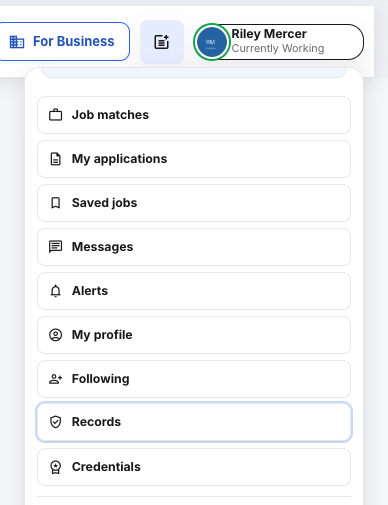
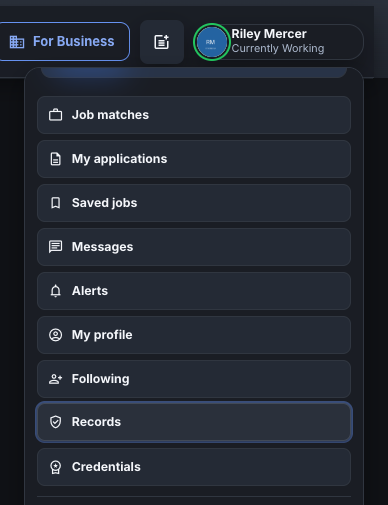
Click your name at the top right, then Records.
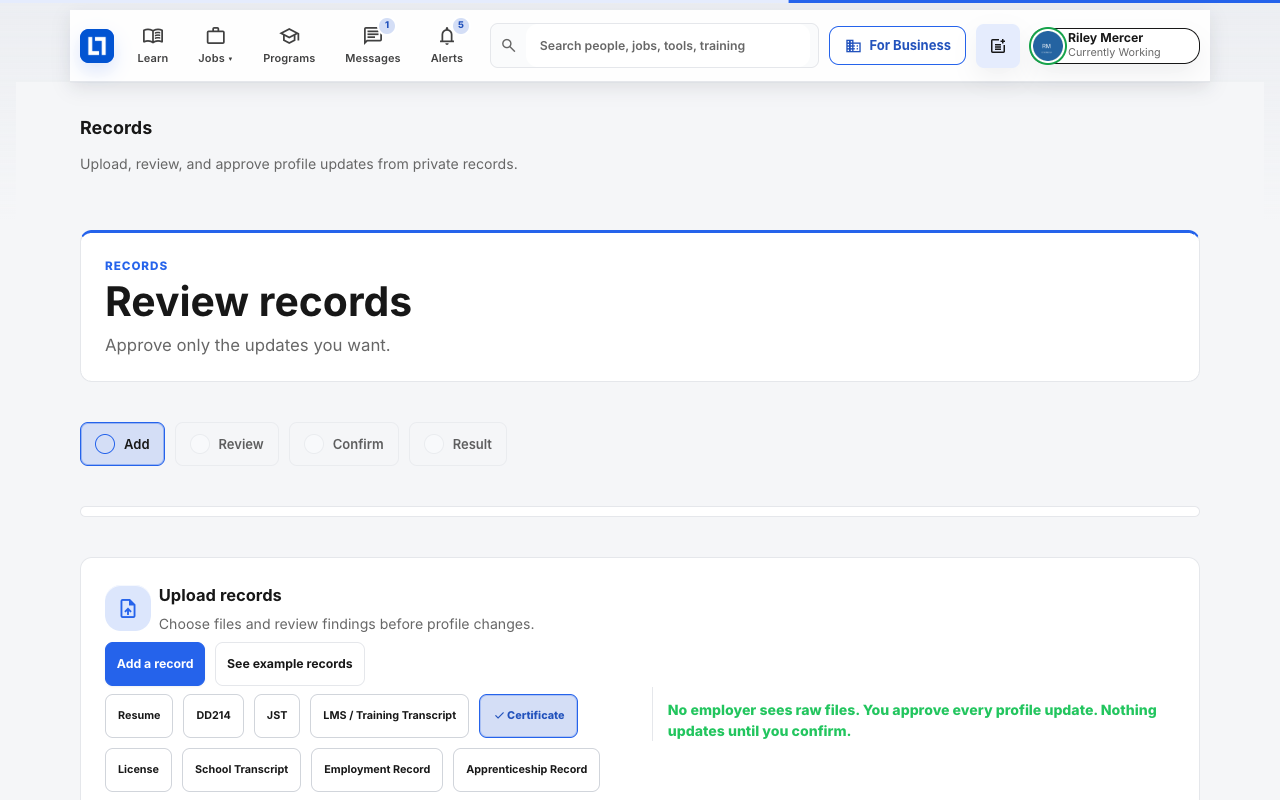
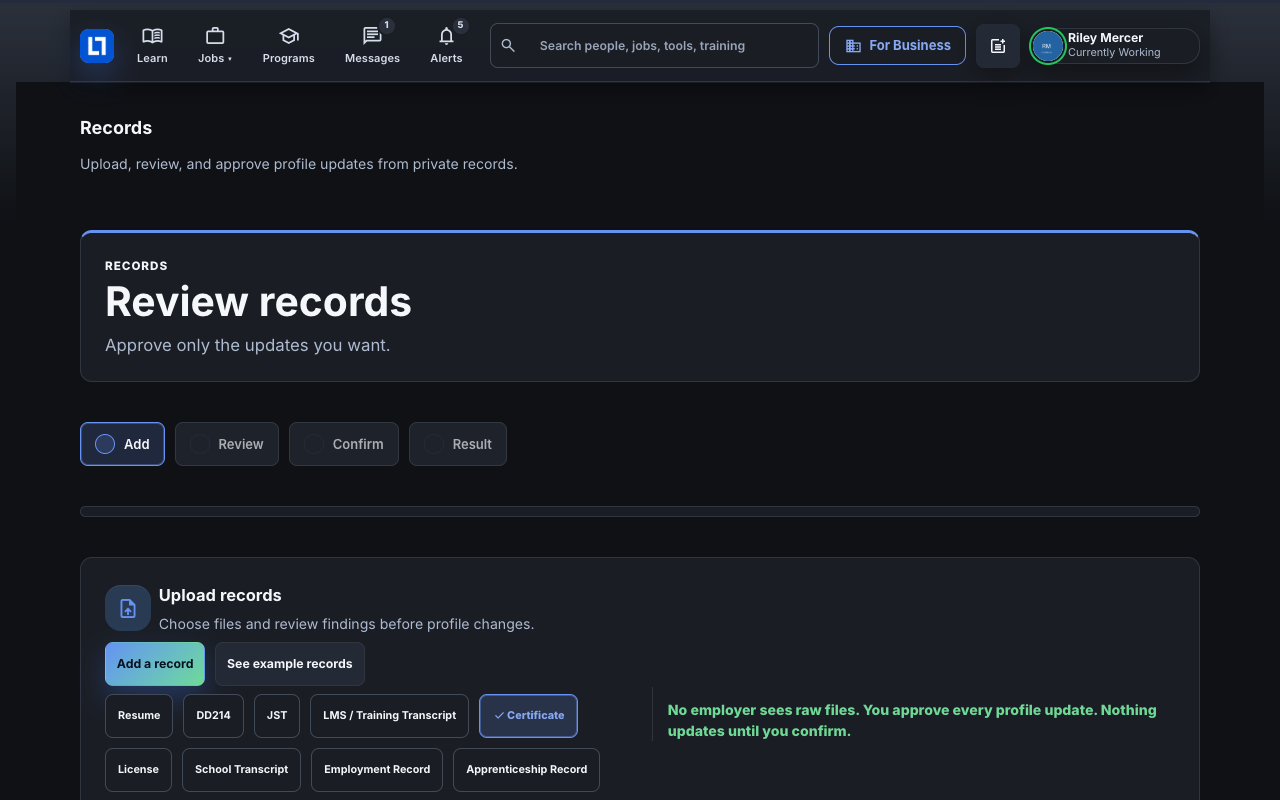
Pick the kind of record, then click Add a record.
The upload window opens.
Drop your file in or click choose files, then check the Category.
Change the category if LaborLynk guessed wrong.
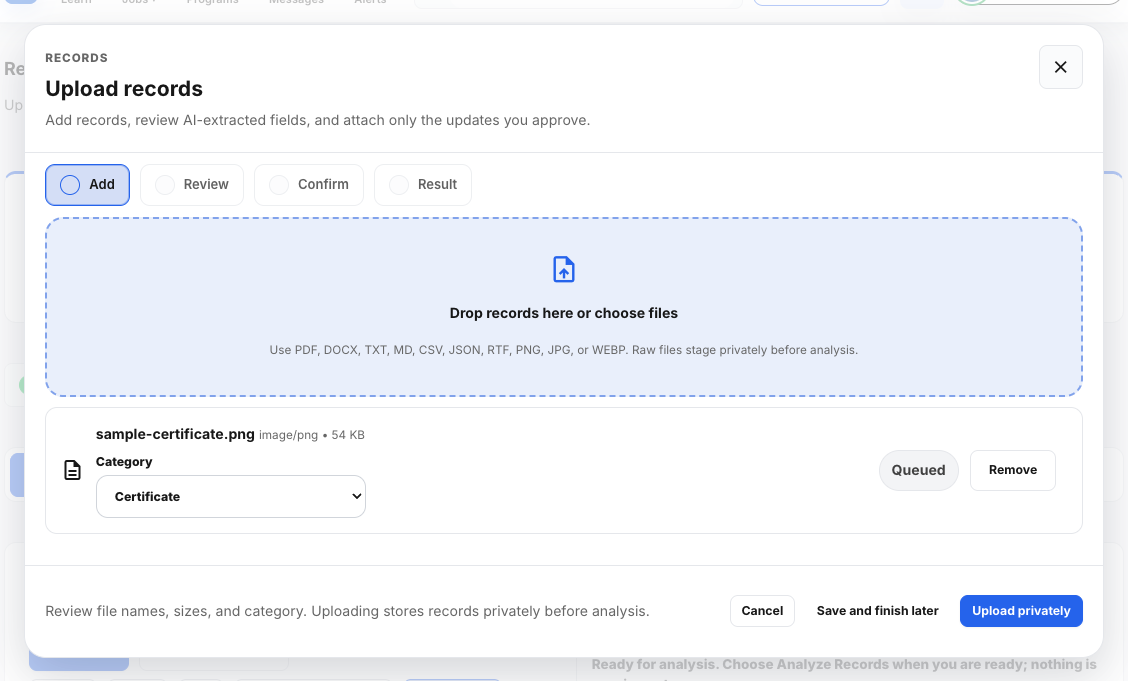
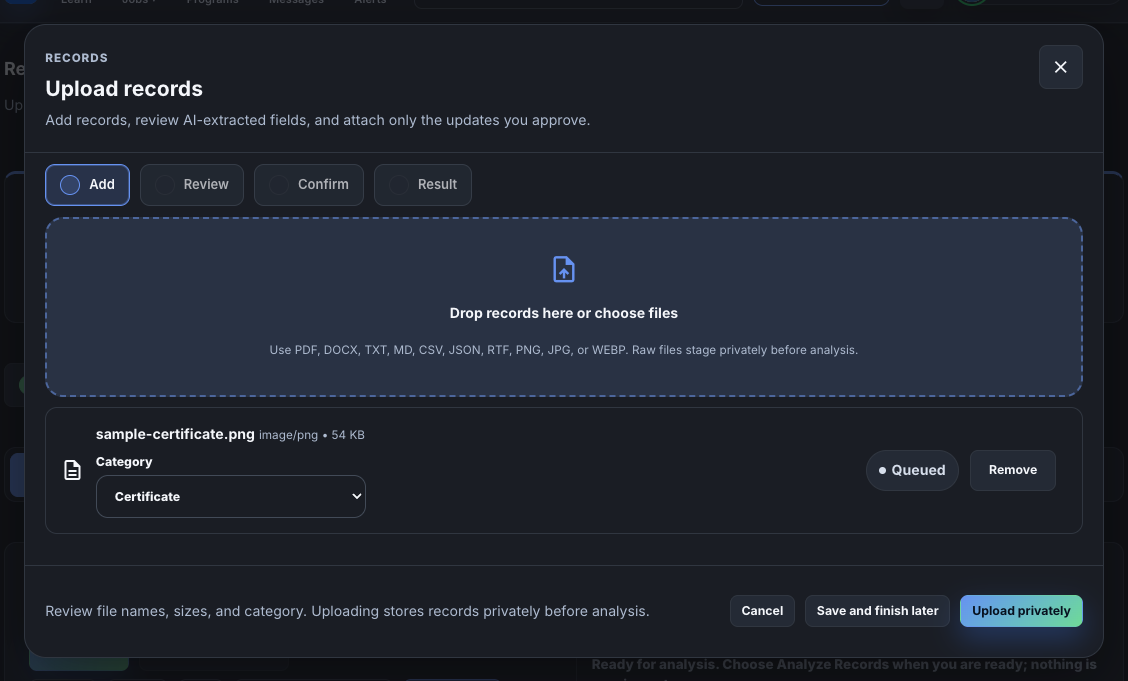
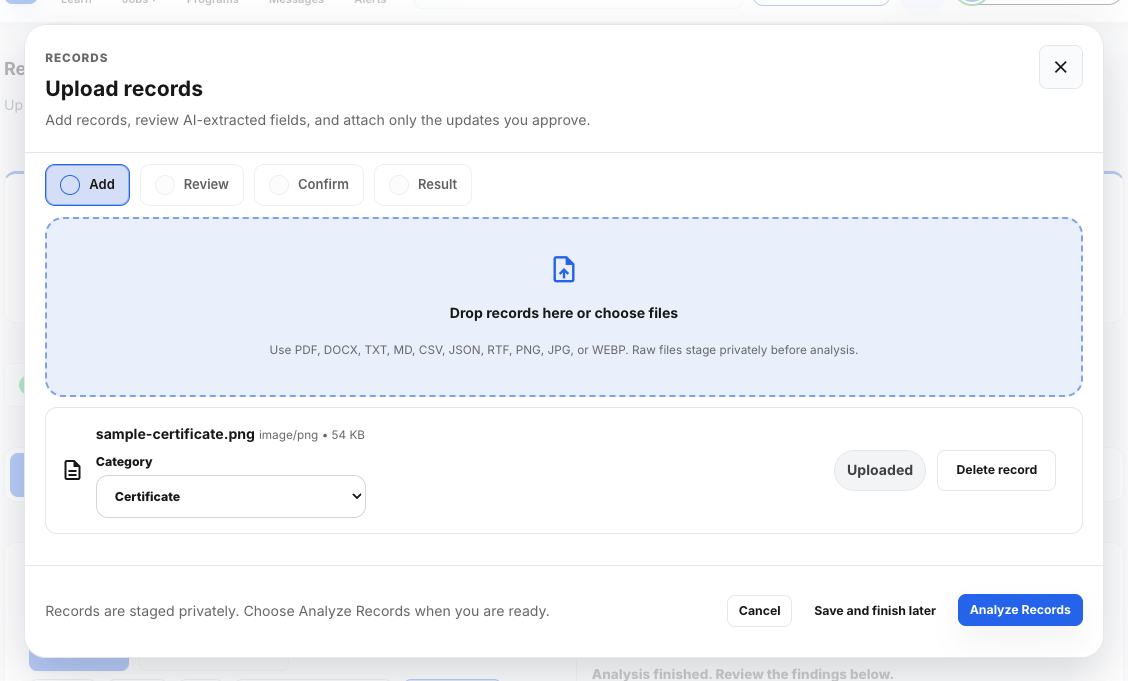
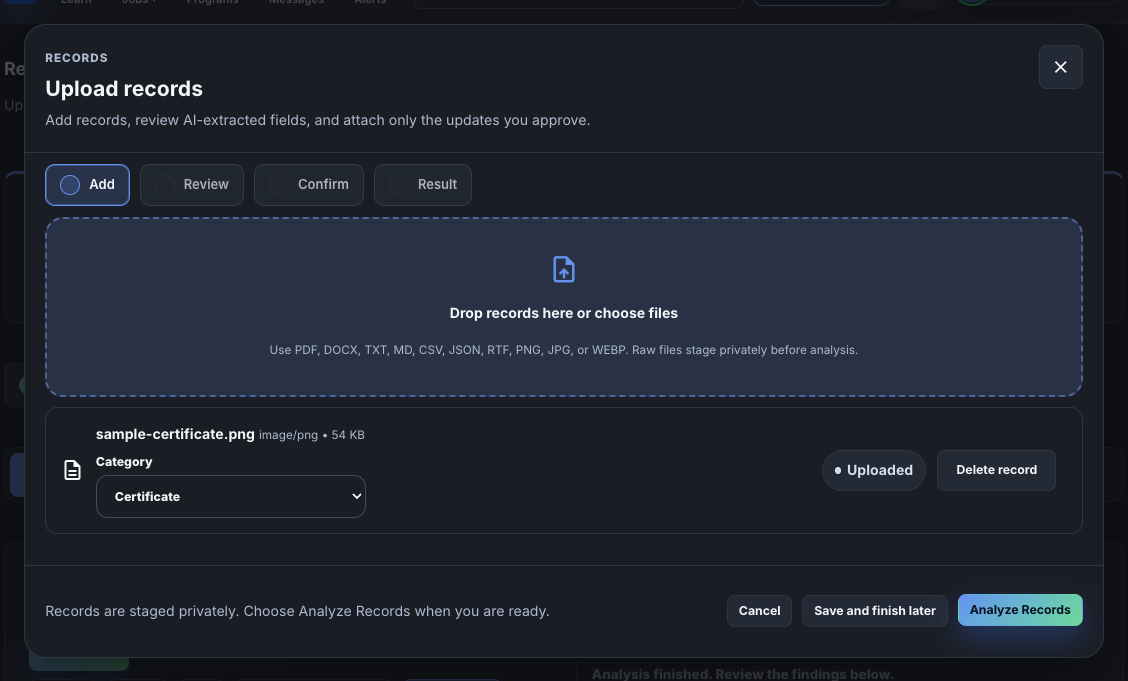
Click Upload privately, then Analyze Records.
Analysis usually takes about a minute. You can stay on the page while it runs.
For each finding, choose Accept, Edit details, Decide later or Not mine.
Fix a wrong date or name with Edit details before you accept it.
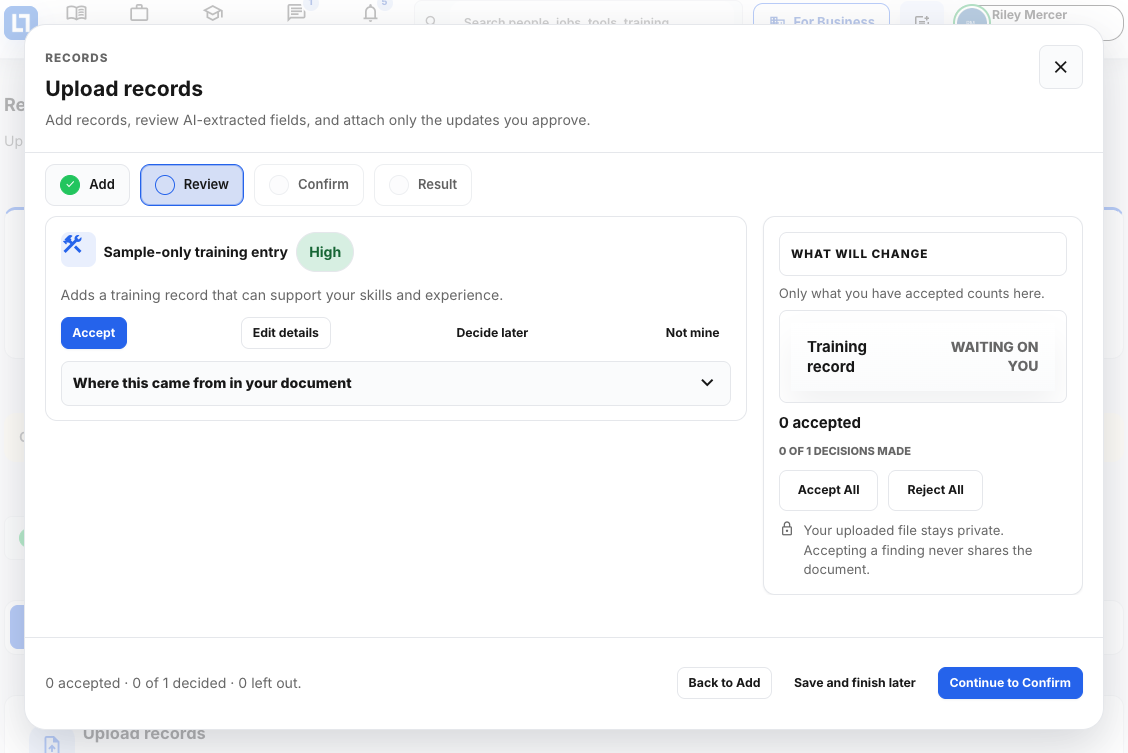
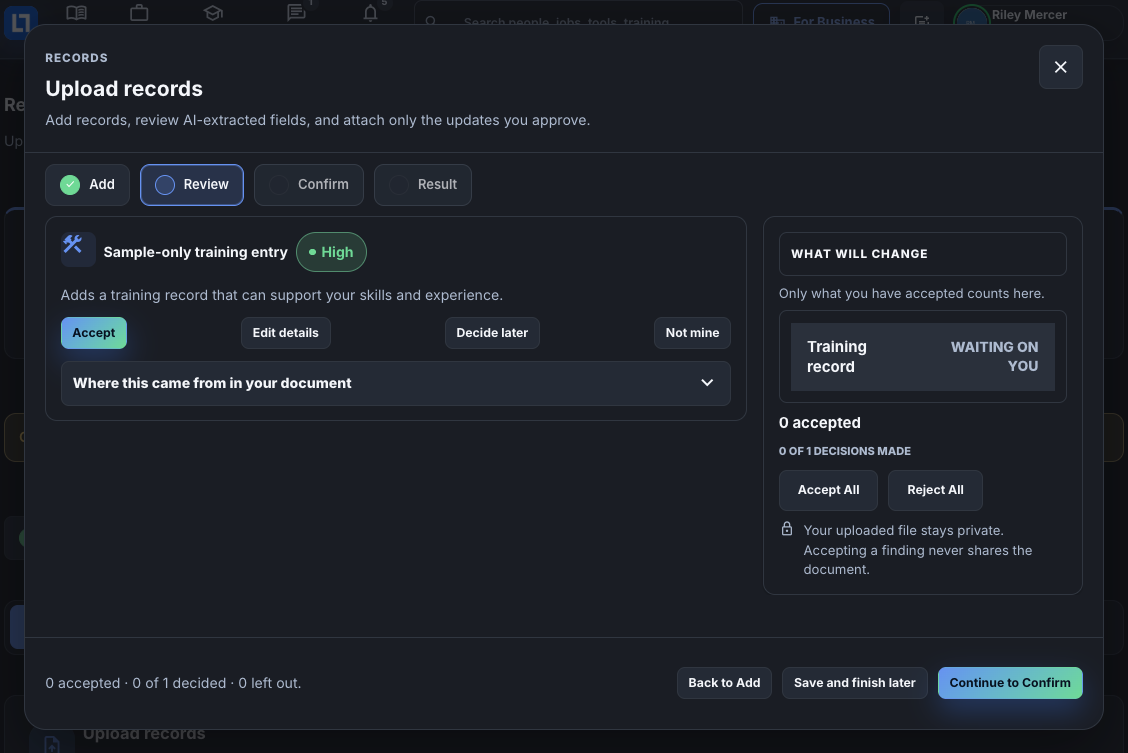
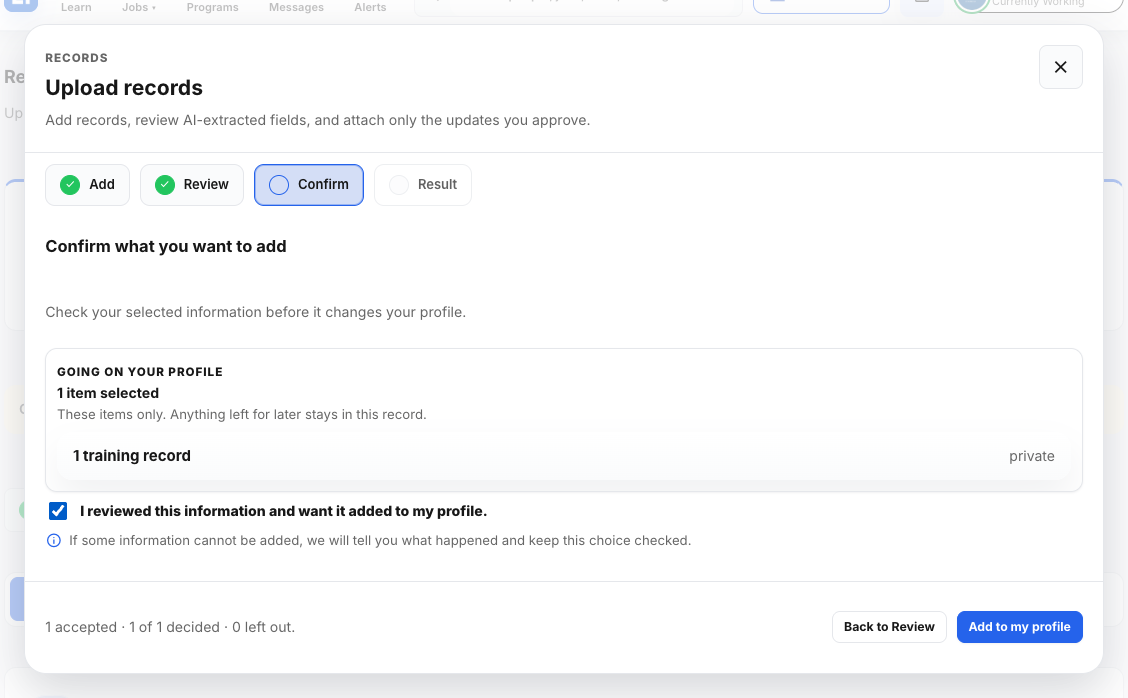
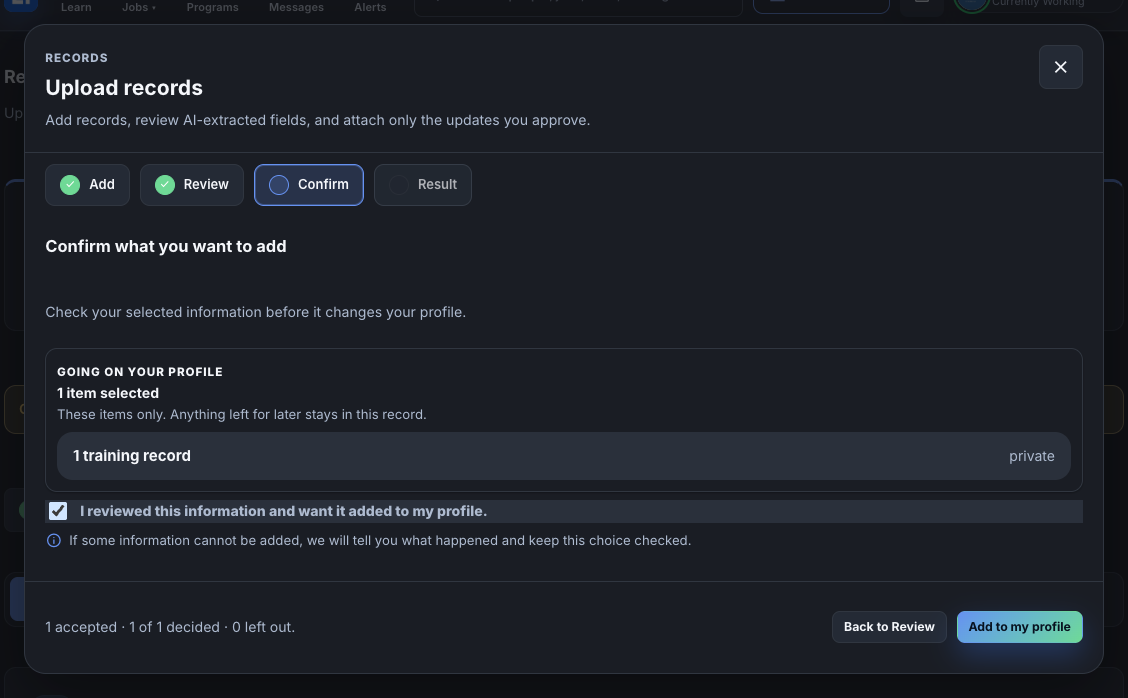
Click Continue to Confirm, tick the box, then click Add to my profile.
The box confirms you reviewed the information.
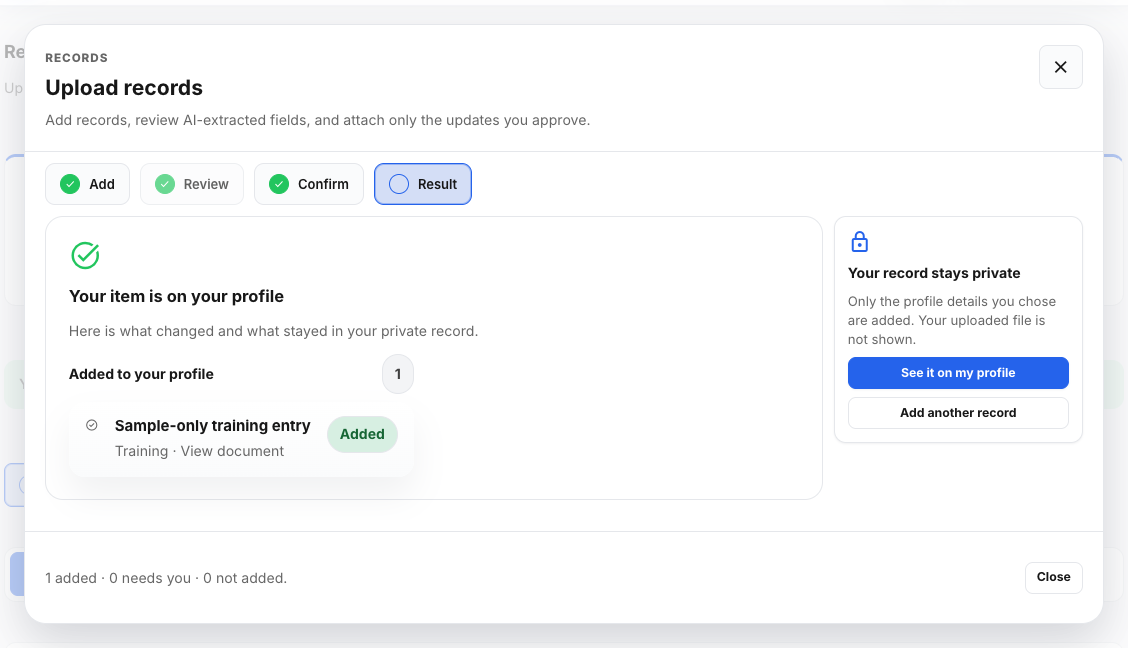
Check the result, then click See it on my profile.
Click Add another record to upload the next one.
When it worked
- The result says your items are on your profile.
- The new items show on your profile.
If something goes wrong
- Analysis is taking a long time.
- Wait two minutes. If it is still running, close the window and upload the file again.
- A finding is wrong.
- Use Edit details to correct it, or Not mine to drop it.
- Add to my profile is grey.
- Tick the box that says you reviewed the information.
- Some items were not added.
- Items you marked Decide later or Not mine stay off your profile. Open Records to finish them.