How to · For Employers, Schools and training organizations
Create an organization and get verified
A verified organization can post jobs and programs. Creating it takes a few minutes; verification is reviewed by LaborLynk.
Before you start
- Sign in to your LaborLynk account.
- Have your organization's website address ready. A website counts toward verification.
- Know your work email domain (the part after the @) if you want teammates to join without approval.
- Have a link to a business license, LLC registration or similar record if you have one.
Steps
Open Join or create an organization.
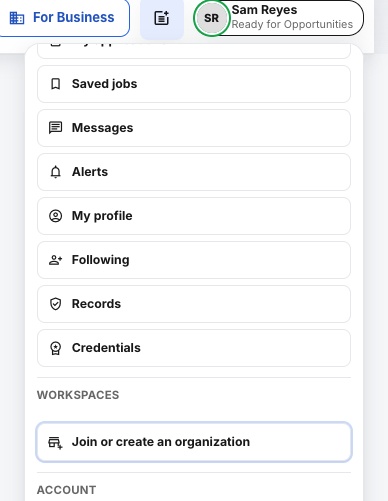
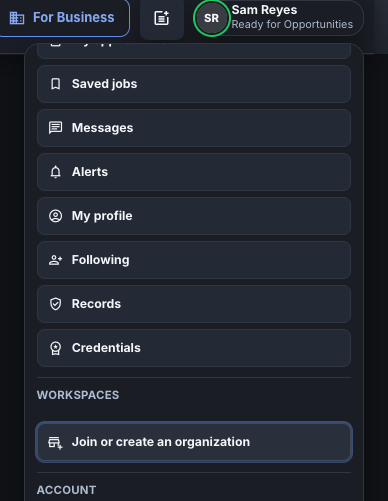
Click your name at the top right, then Join or create an organization.
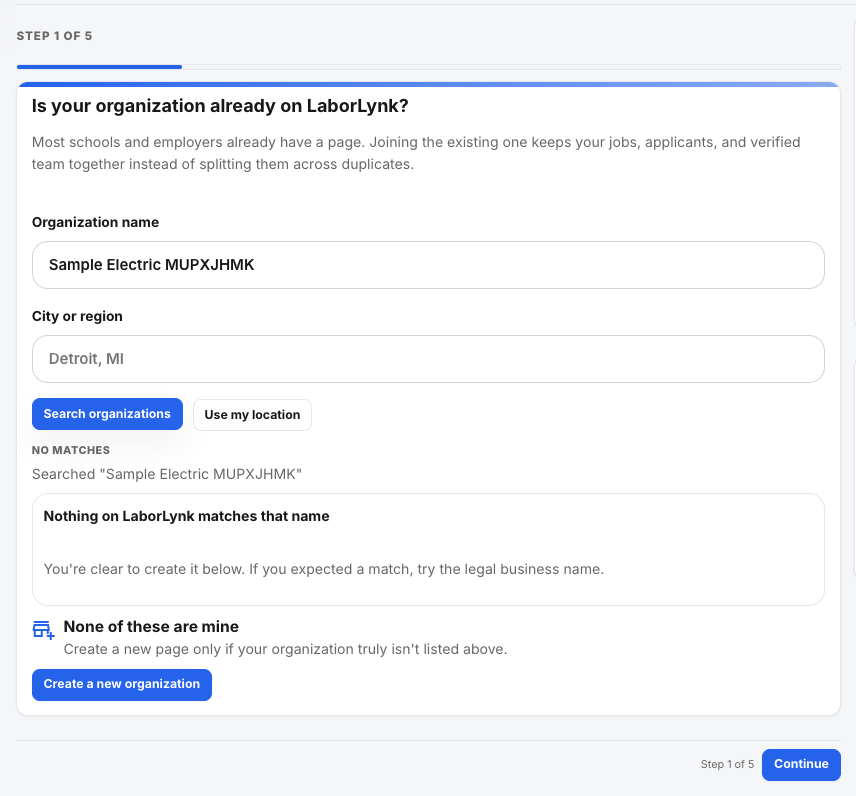
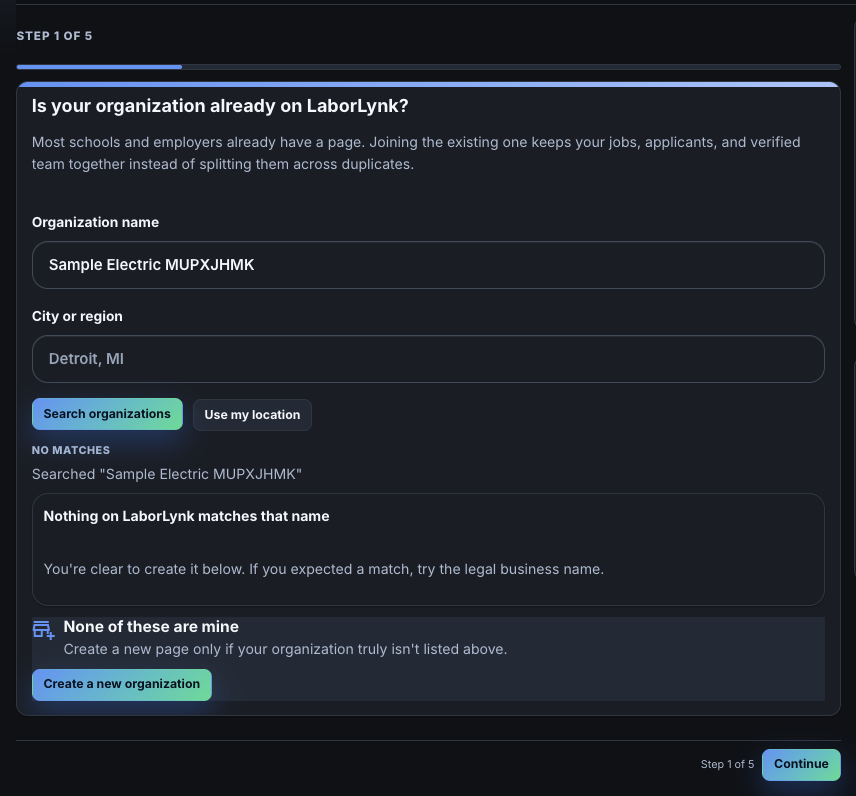
Type your organization's name and click Search organizations.
If it is already on LaborLynk, join it instead of creating a copy. If nothing matches, click Create a new organization.
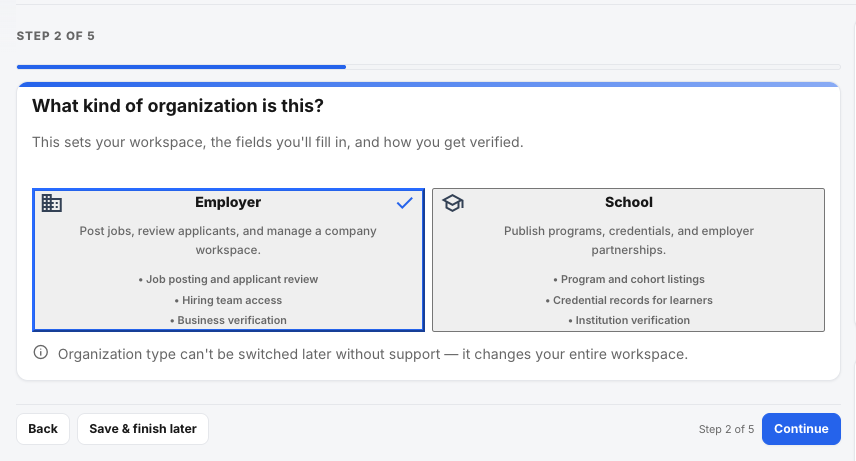
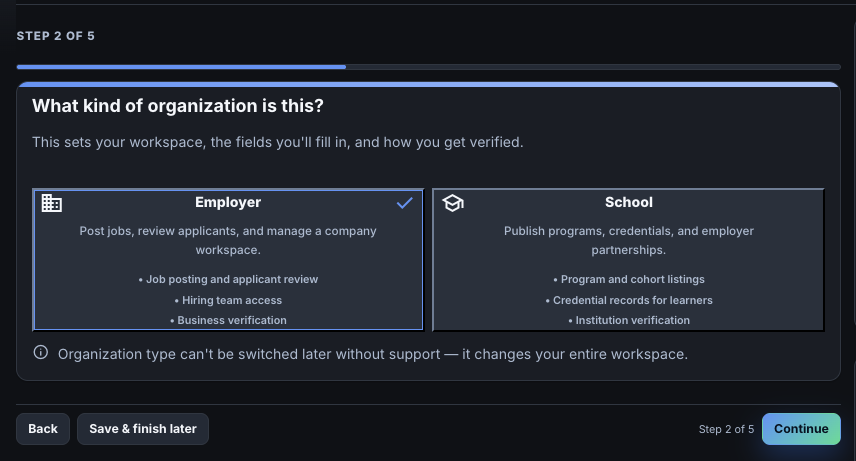
Choose Employer or School, then click Continue.
Employers post jobs. Schools and training organizations publish programs.
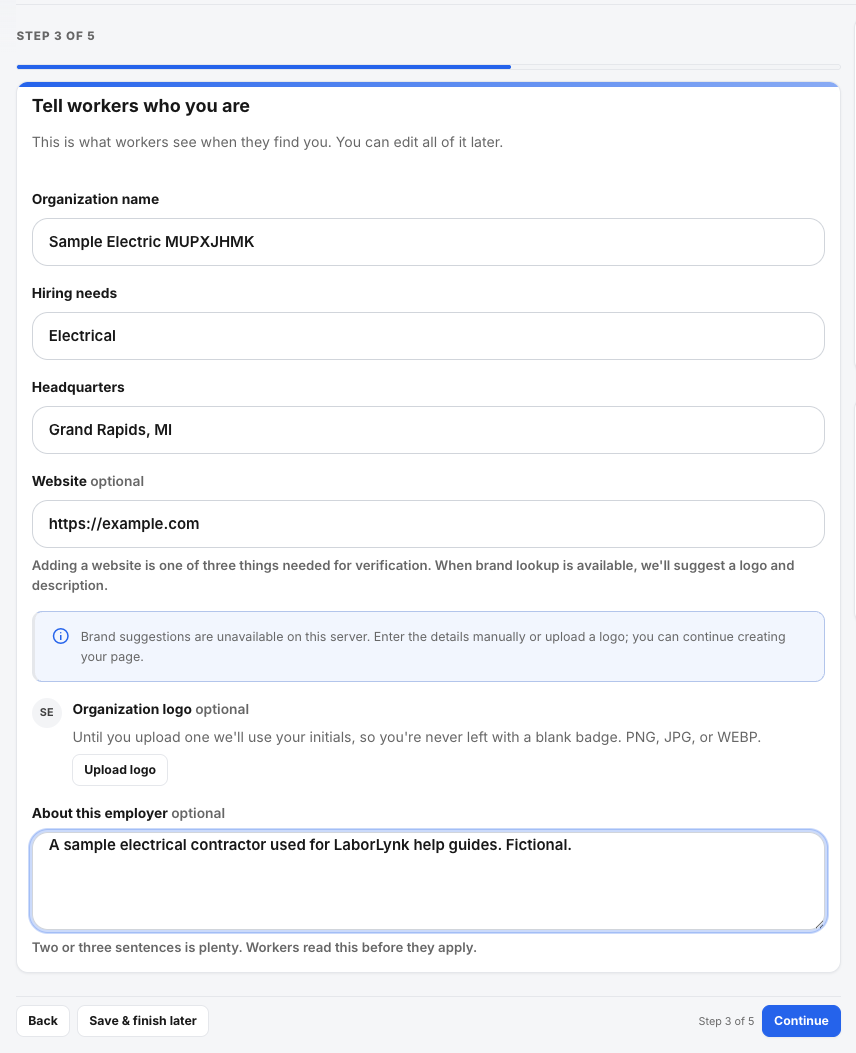
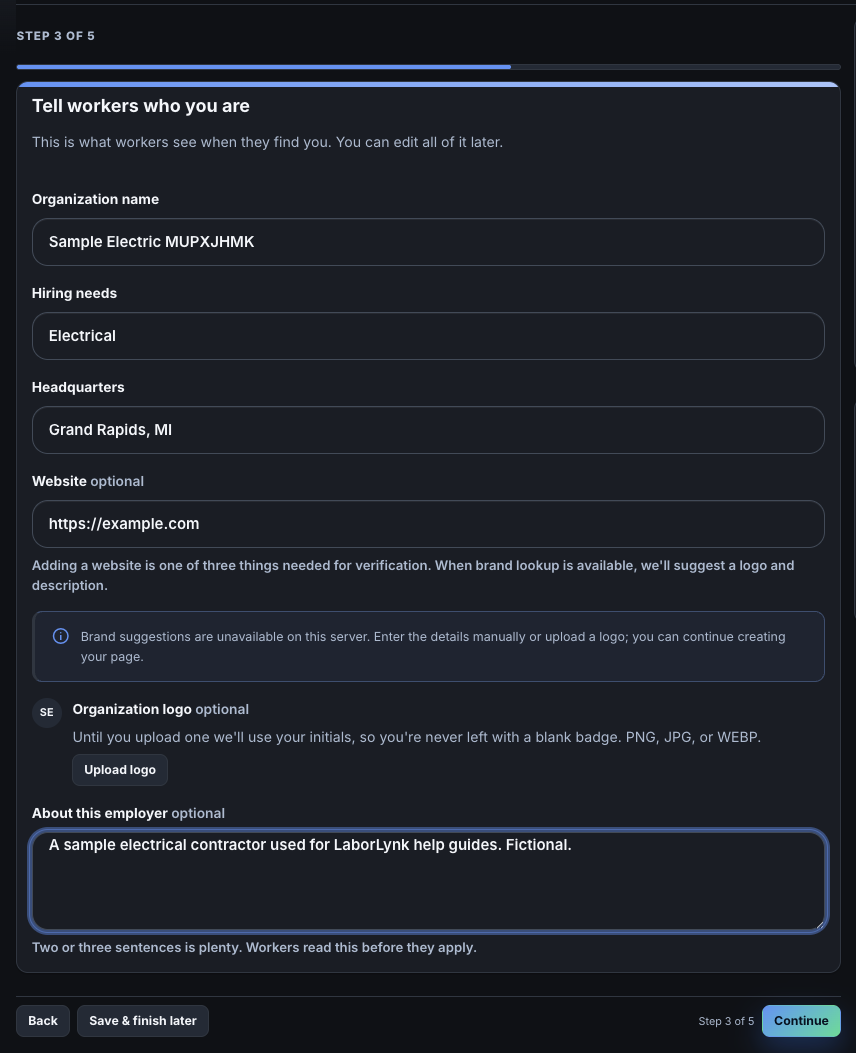
Fill in the name, hiring needs, headquarters and website, then click Continue.
Upload a logo if you have one. The website is one of the things verification looks for.
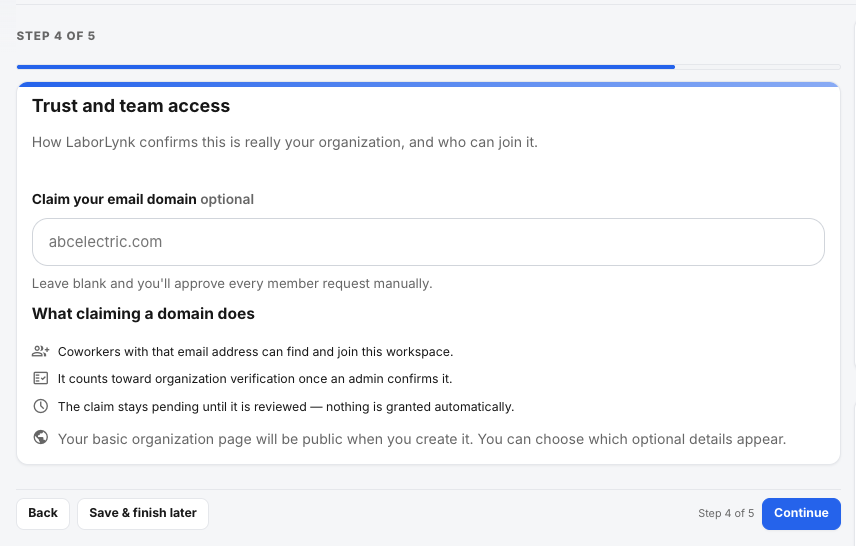
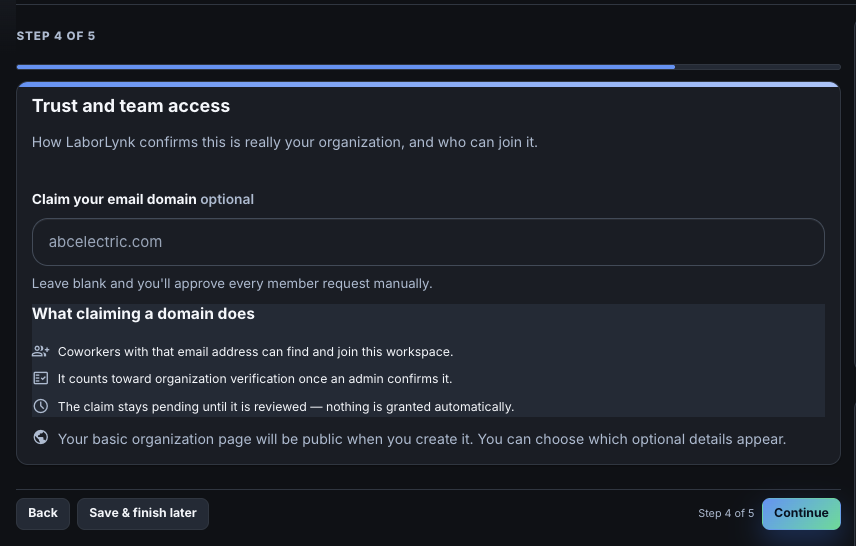
Claim your email domain if you have one, then click Continue.
Optional. Once a LaborLynk admin confirms the domain, teammates with that email can join without approval.
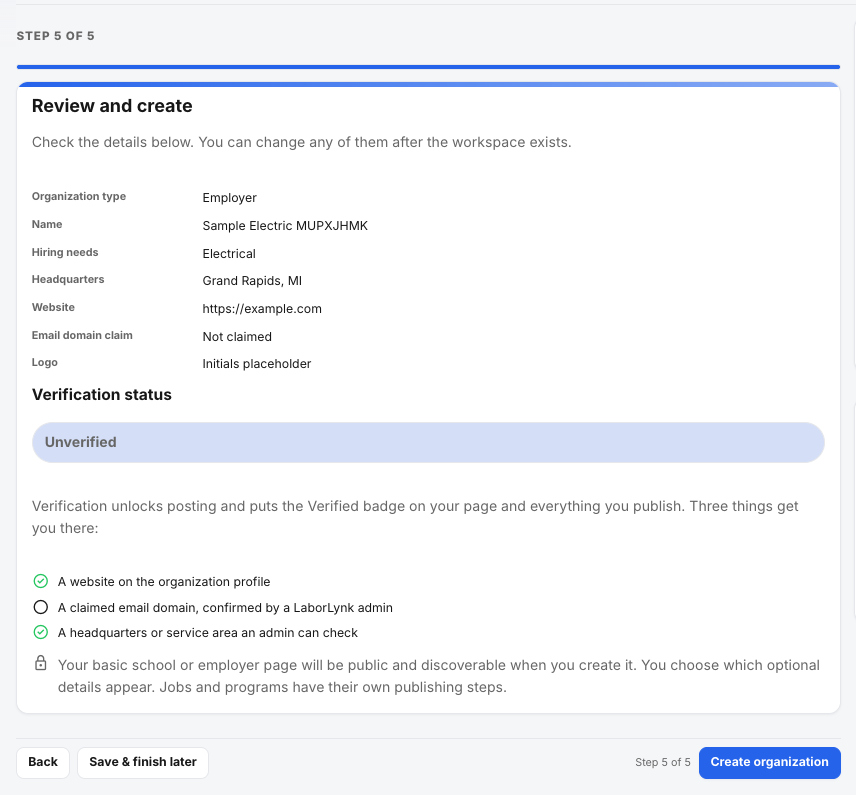
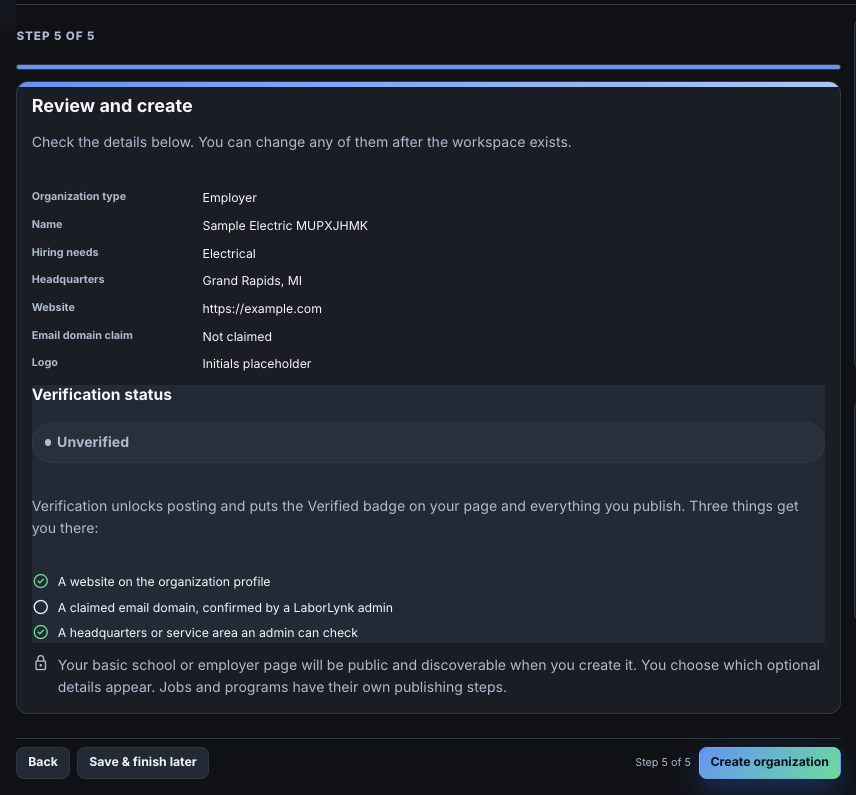
Check the summary, then click Create organization.
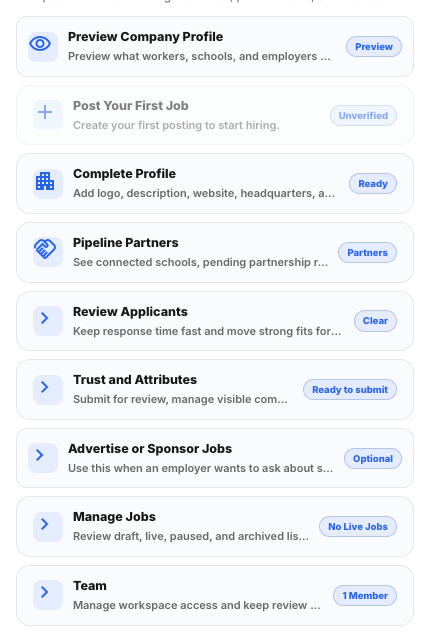
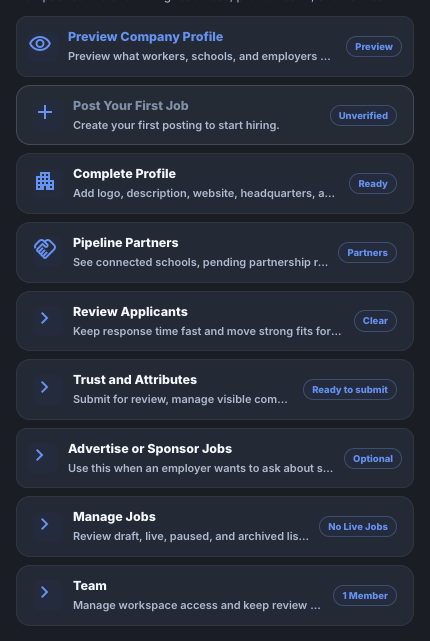
The Verification status list shows what is done and what is still needed.
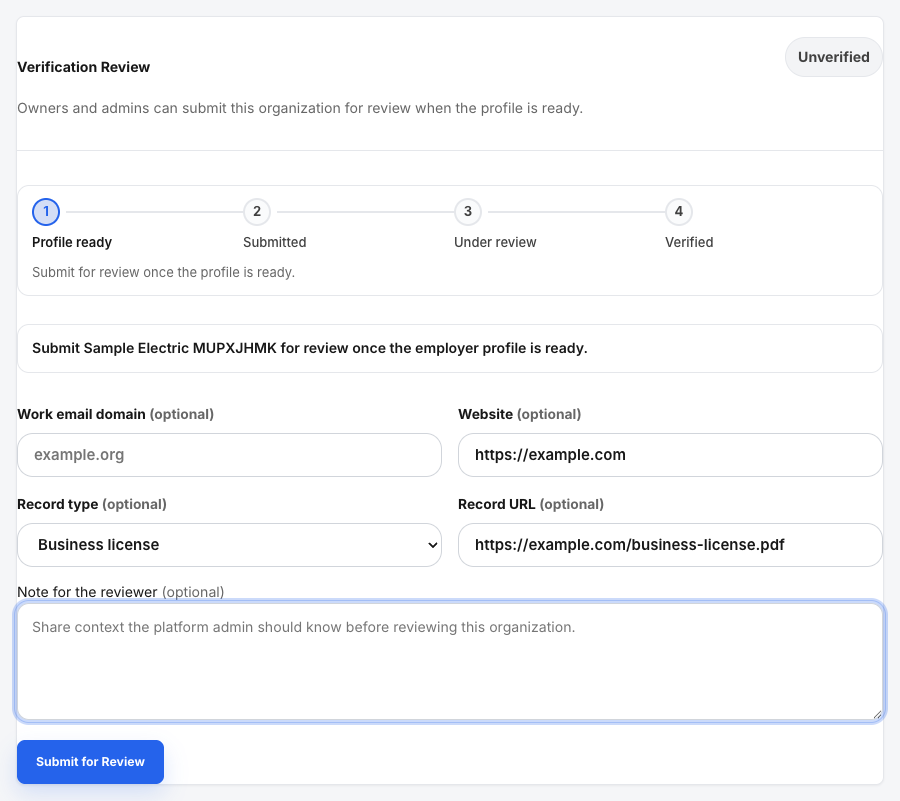
On Workspace Home, click Trust and Attributes, then scroll to Verification Review.
Job posting stays blocked until the organization is verified.
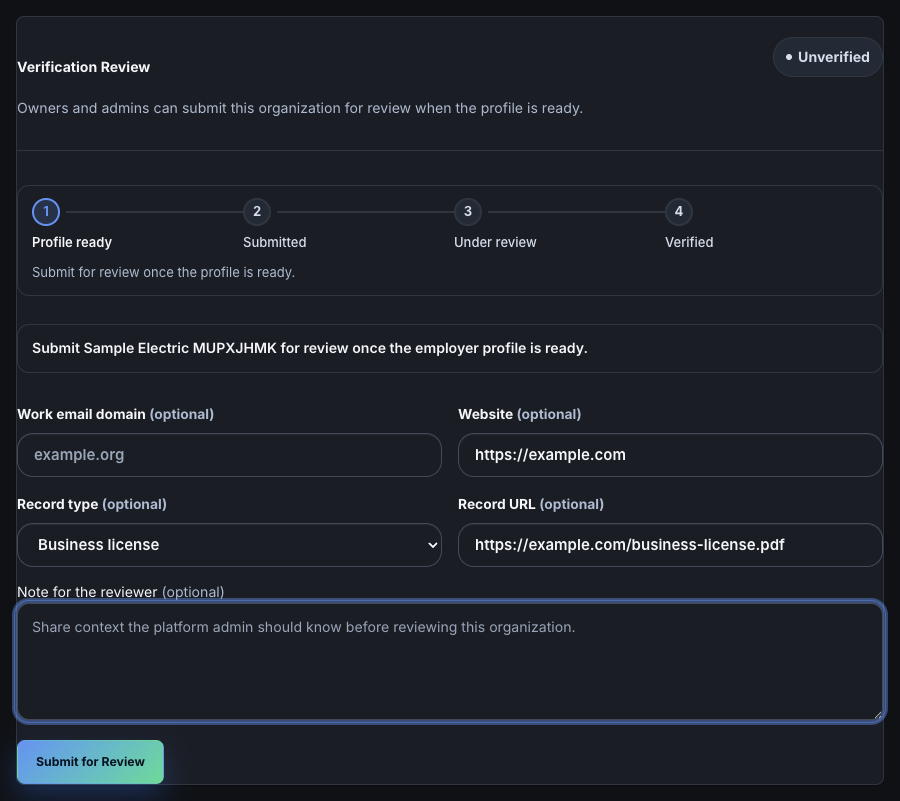
Add your website and a record such as a business license, then click Submit for Review.
The status changes to Verification pending. LaborLynk's review team picks it up from there.
When it worked
- Workspace Home shows your organization's name.
- Verification Review says Verification pending, and Verified once LaborLynk approves it.
If something goes wrong
- Create a new organization is grey.
- Search first. The button turns on once you have checked whether the organization already exists.
- My organization is already on LaborLynk.
- Choose it in the search results and ask to join. The owner approves you, or your claimed email domain lets you in.
- Post Your First Job is grey.
- The organization is not verified yet. Submit it for review and wait for approval.
- Verification is taking a while.
- Reviews are done by people. Check Verification Review for the current status; you do not need to submit again.