How to · For Schools and training organizations
Publish a program
A published program shows on your public school page and in program search, matched to the skills it teaches.
Before you start
- Your school or training organization must be verified.
- Have the basics ready: title, how it is offered, location, how long it takes, and what a graduate holds at the end.
- Know the skills the program teaches. Linked skills are how LaborLynk matches it to workers and jobs.
Steps
On Workspace Home, under School Actions, click Manage Public Programs.
You land on the Programs page with your current list.
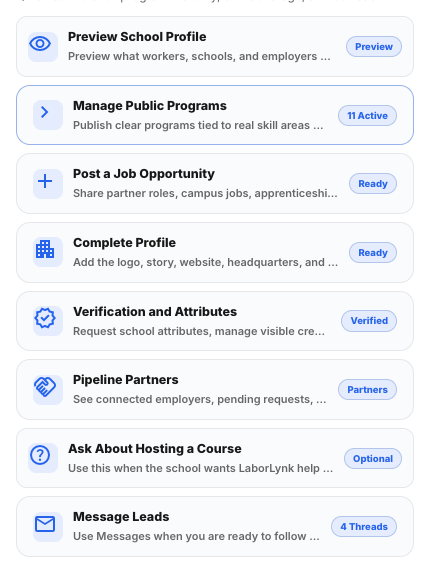
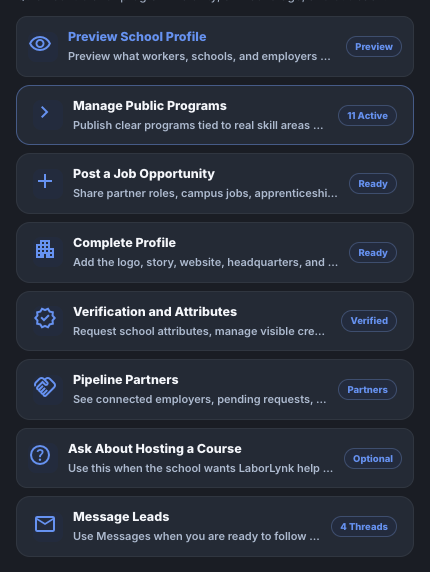
Click Add Program.
The program editor opens below the list.


Fill in the Program Title, how it is offered, Location, Duration and Credential outcome.
Credential outcome is what a graduate holds at the end, for example a certificate of completion with the hours. Leave Enrollment closes blank for rolling enrollment.
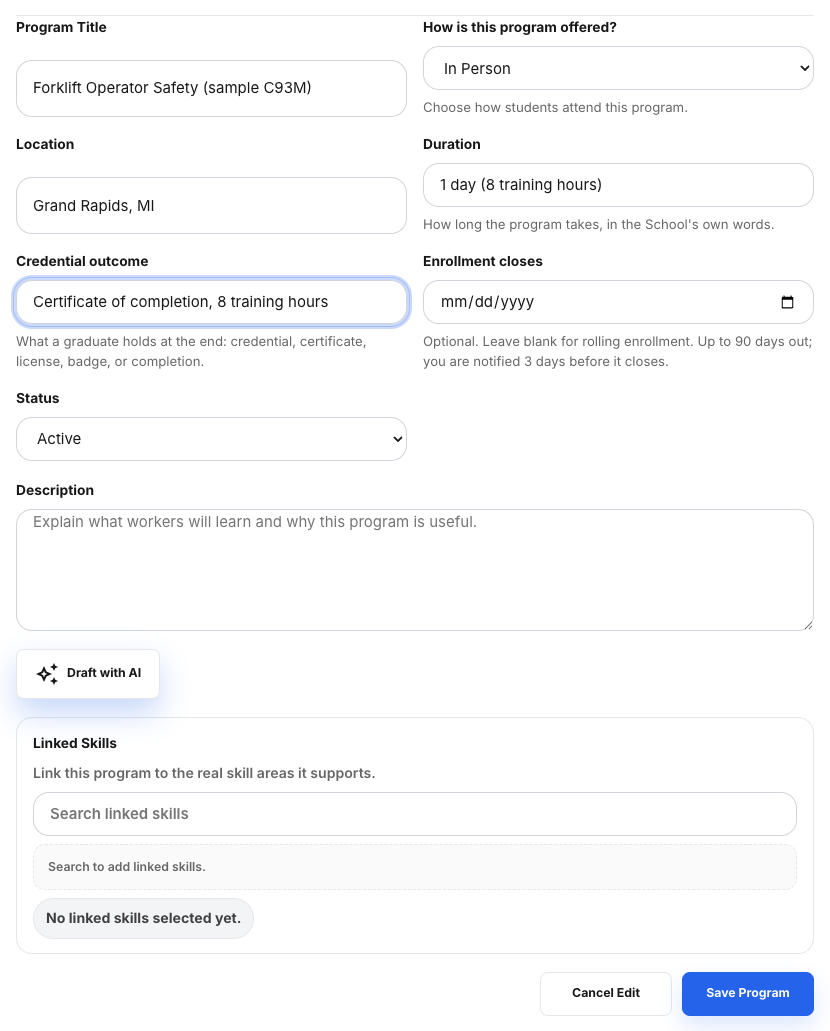
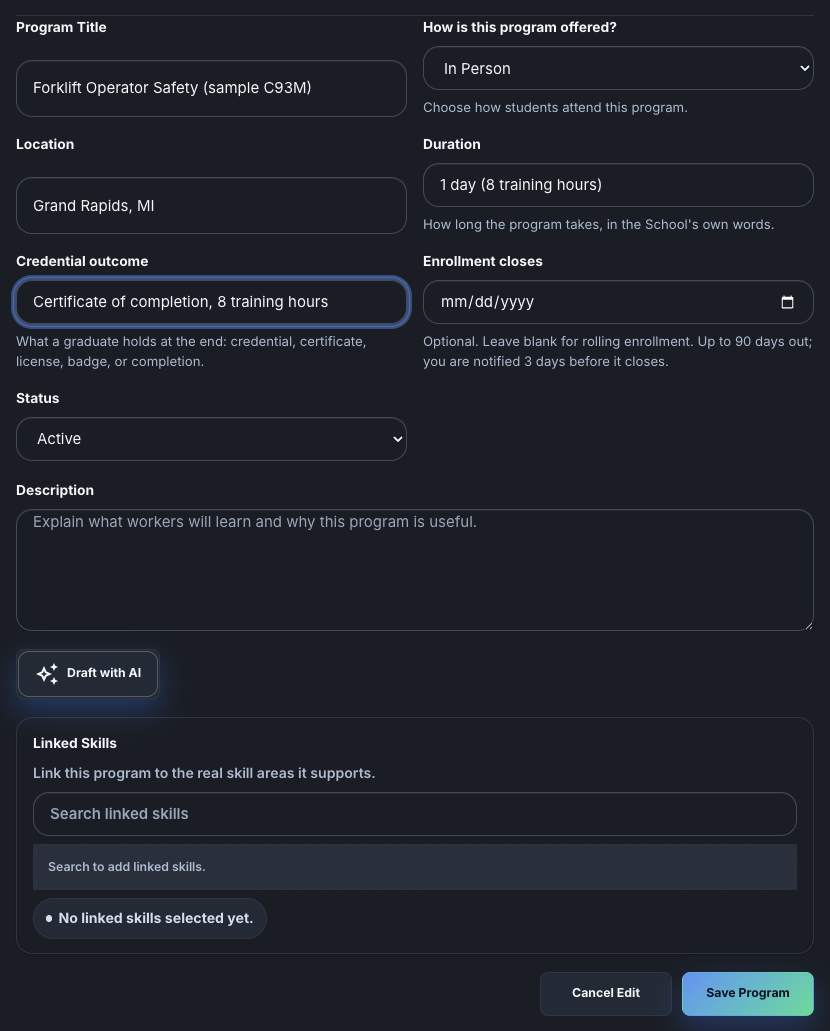
Write the Description, add Linked Skills, and set Status to Active.
Type a skill and pick it from the list. Draft with AI writes a first description you can edit.
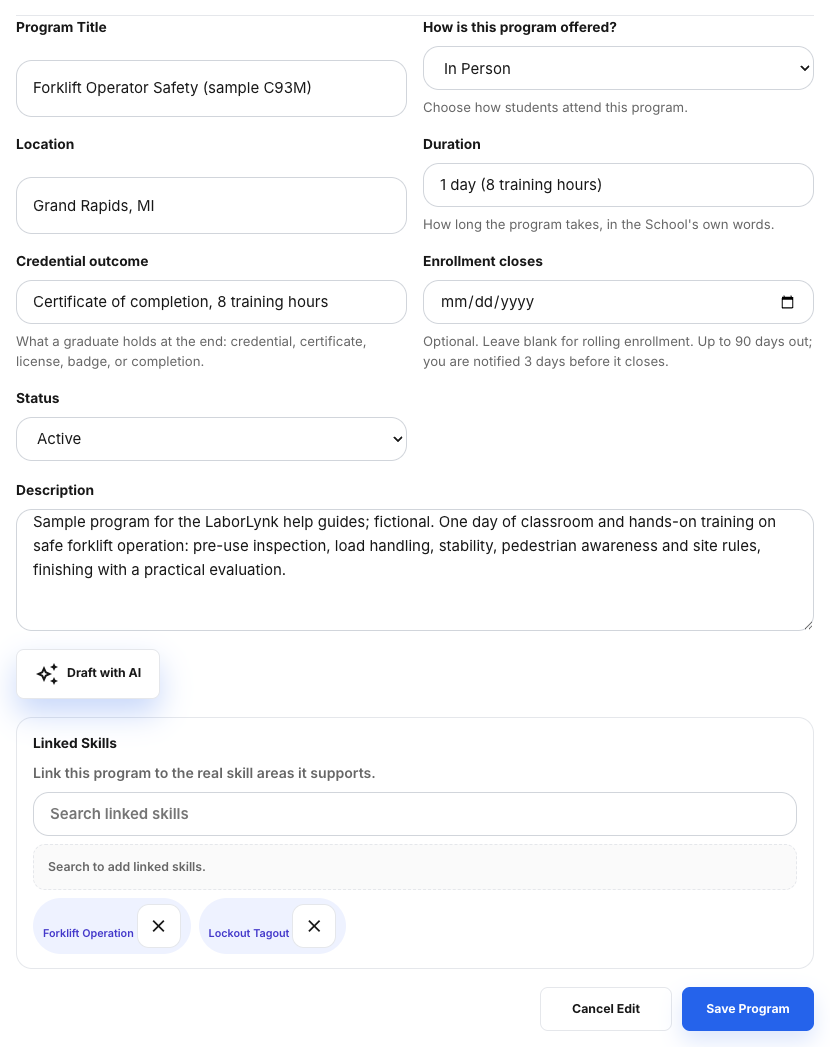
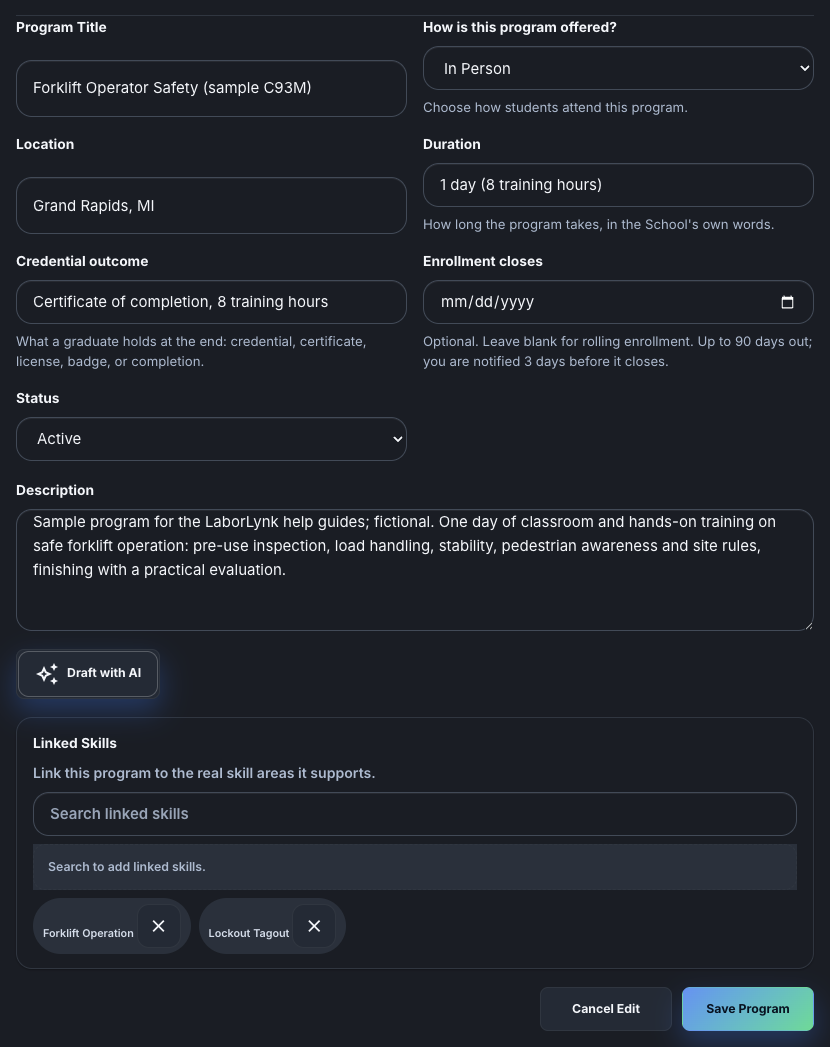
Click Save Program.
The program appears at the top of your list as Active.


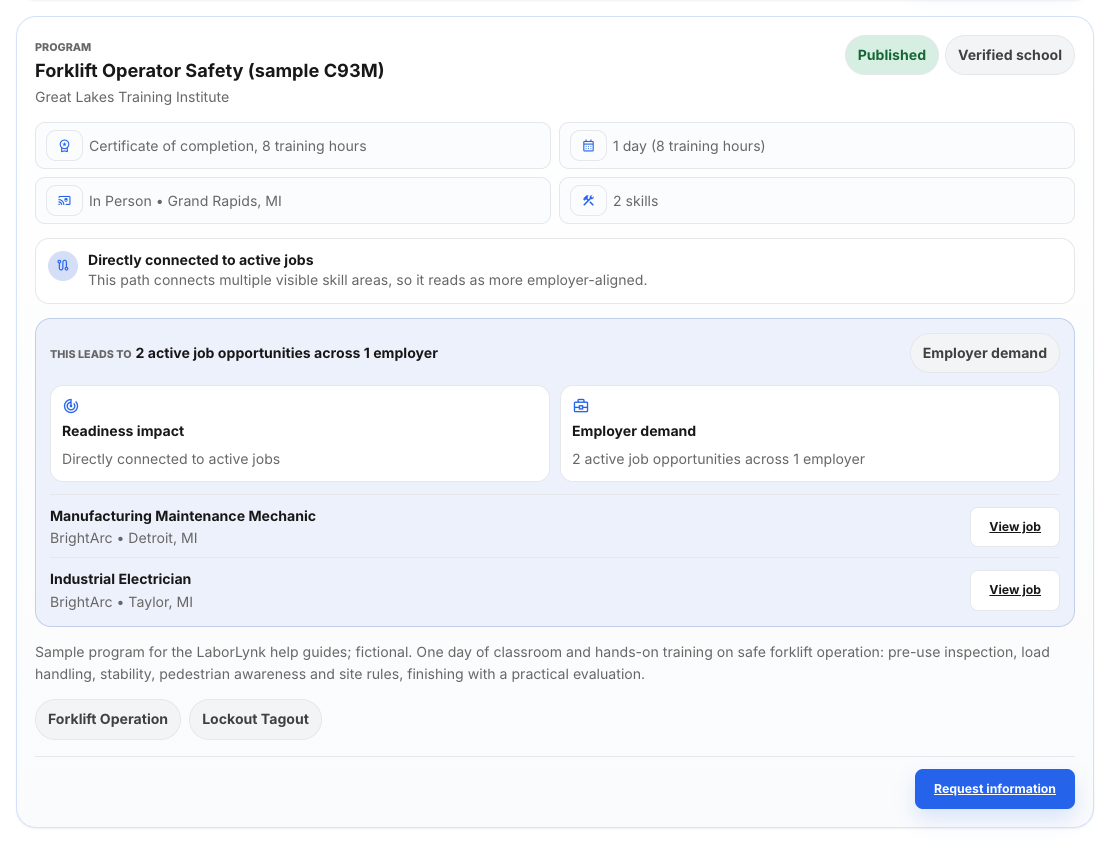
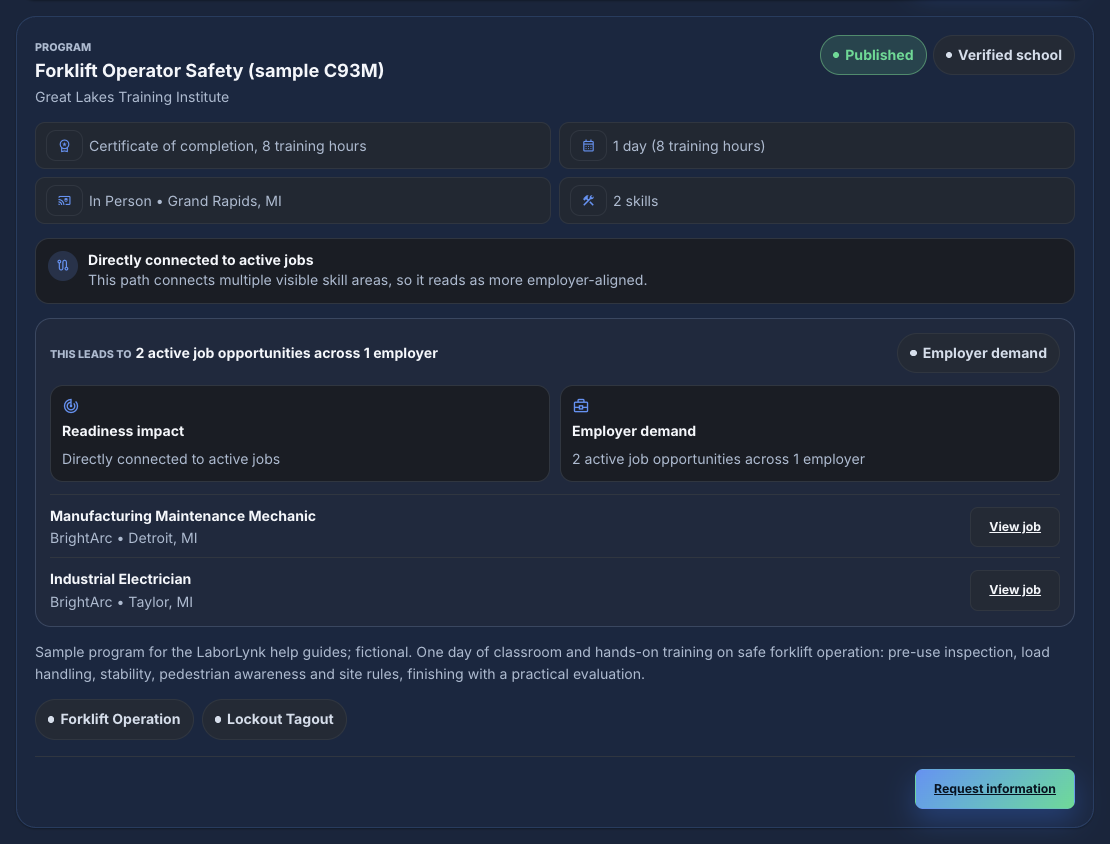
Click Open Public School Page to see the program as workers do.
Share this page or the program itself from here.
When it worked
- The program is listed as Active on the Programs page.
- It shows on your public school page and in program search.
If something goes wrong
- Add Program is missing.
- Your organization is not verified yet, or you are not an owner or admin of this workspace.
- Save Program says a field is missing.
- Title, delivery, location, duration, credential outcome and description are required. The message names the field.
- I have many programs to add.
- On the Programs page, open Import and tools to download the template and upload a CSV.
- A program has ended.
- Edit it and set Status to Closed. It stays in your list but leaves the public page.