How to · For Workers
Find and review a program
Compare active programs using the details their providers supply. Program skills and related jobs are context, not a promise of eligibility, placement or employment.
Before you start
- Open Programs in your worker workspace. Sign in for personal actions such as saving.
Steps
Open Programs from the main navigation.
Web opens Schools & Programs. Native opens Find a program; Browse training providers is a separate action.
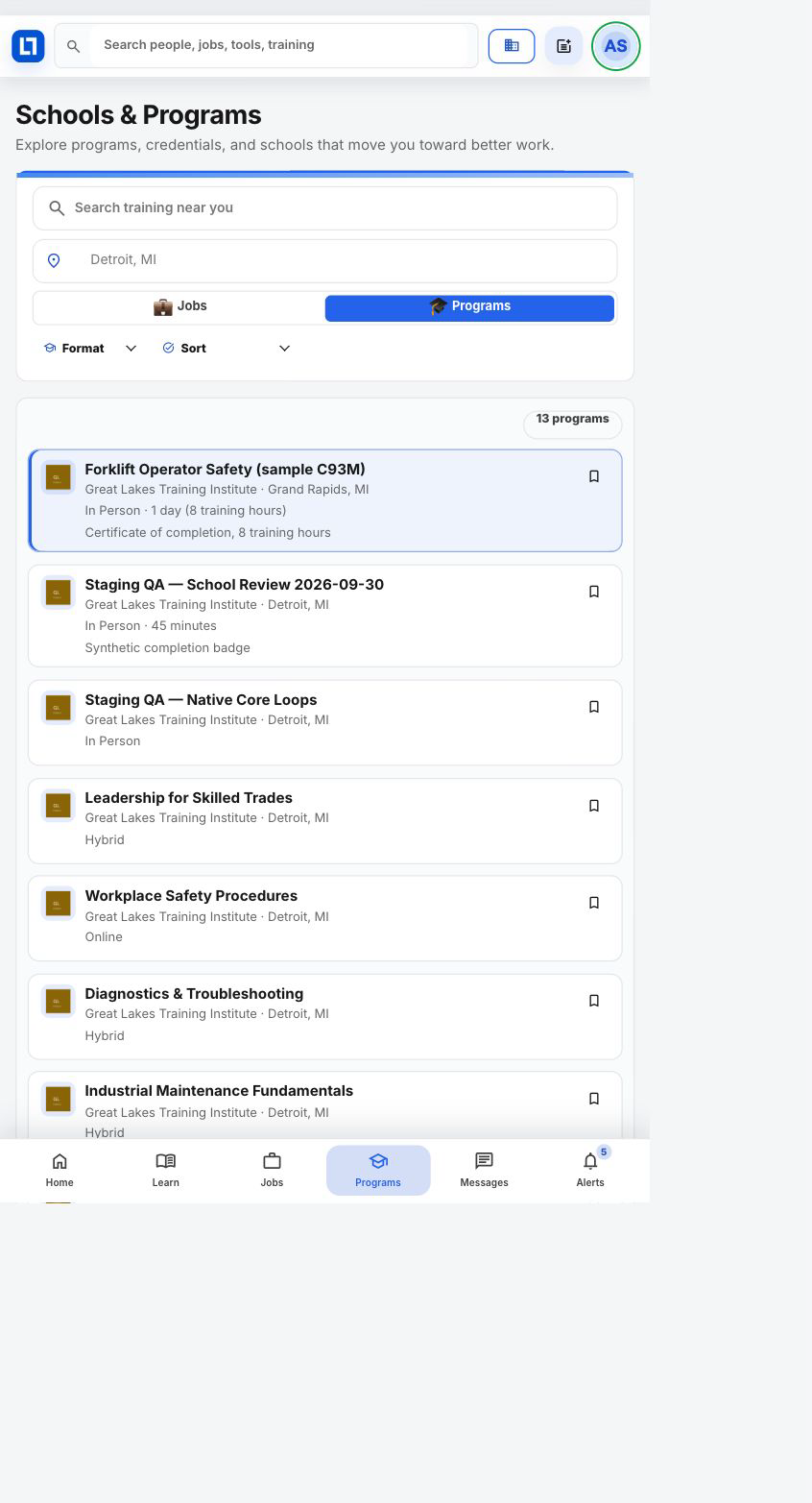
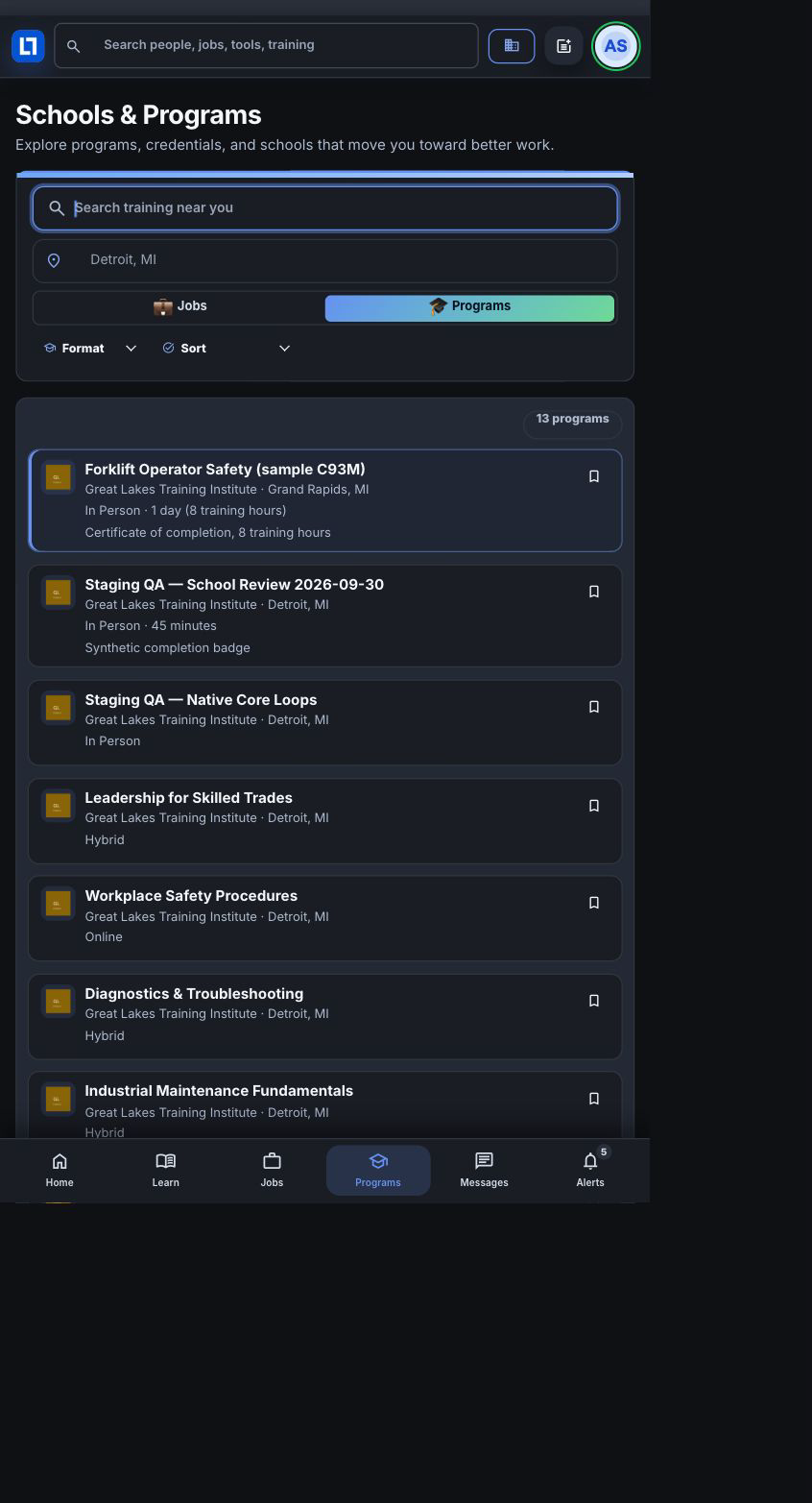
Enter a program, provider, or skill and choose a Format.
Use In person, Online or Hybrid when available. Clear filters to widen the results. Native loads more pages with Load more programs; its count describes loaded results and its title sort applies to those loaded results.
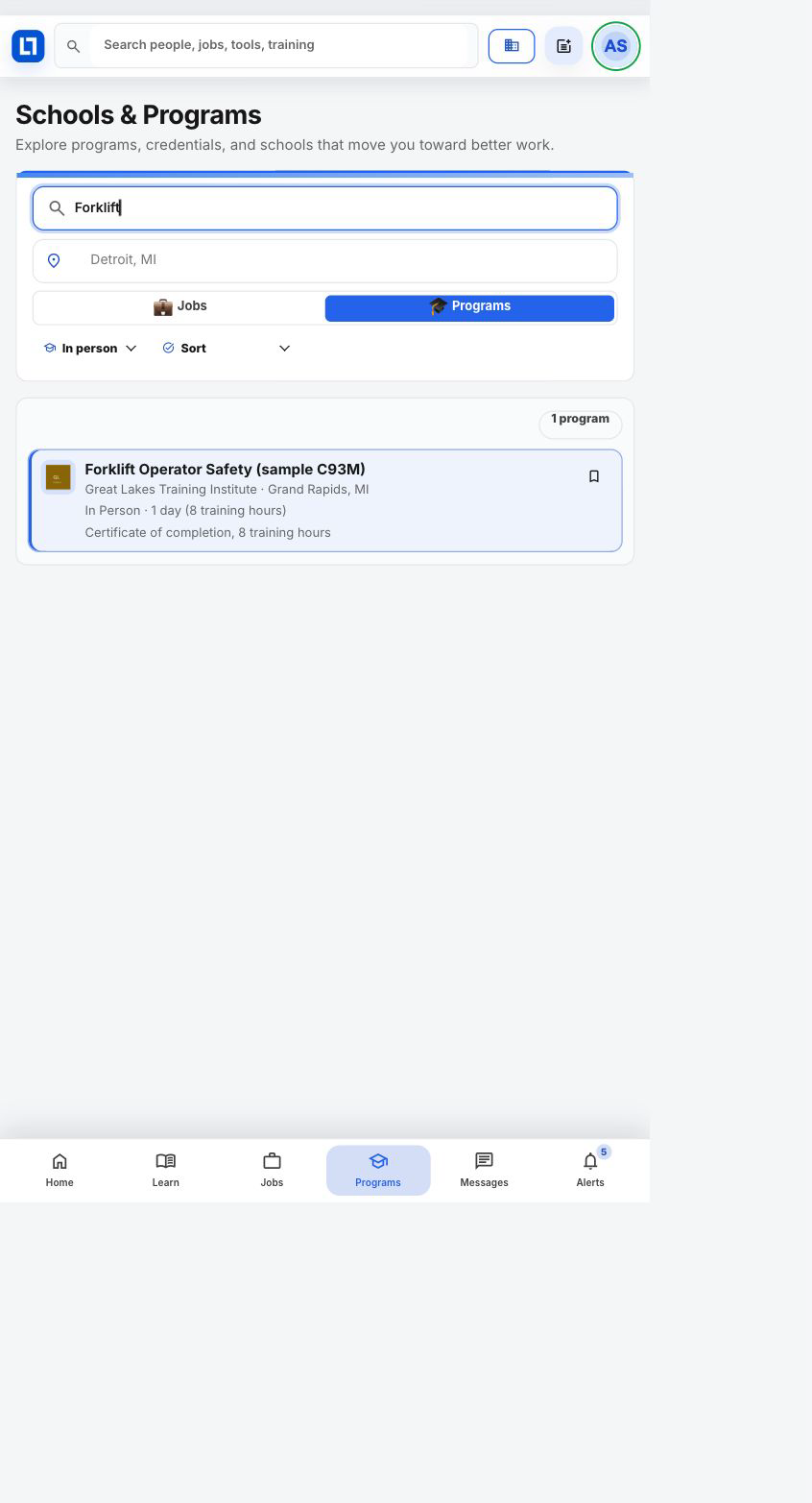
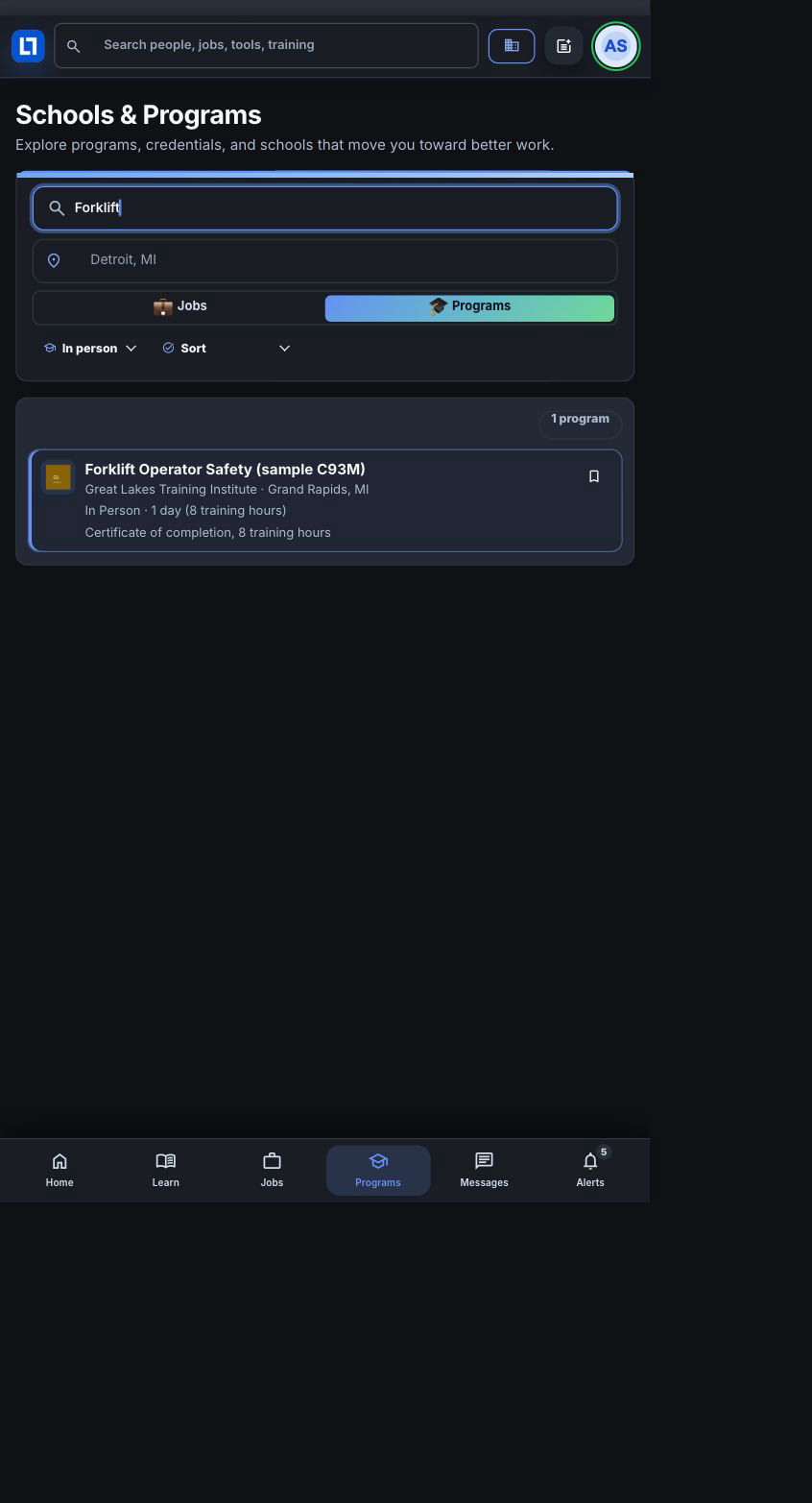
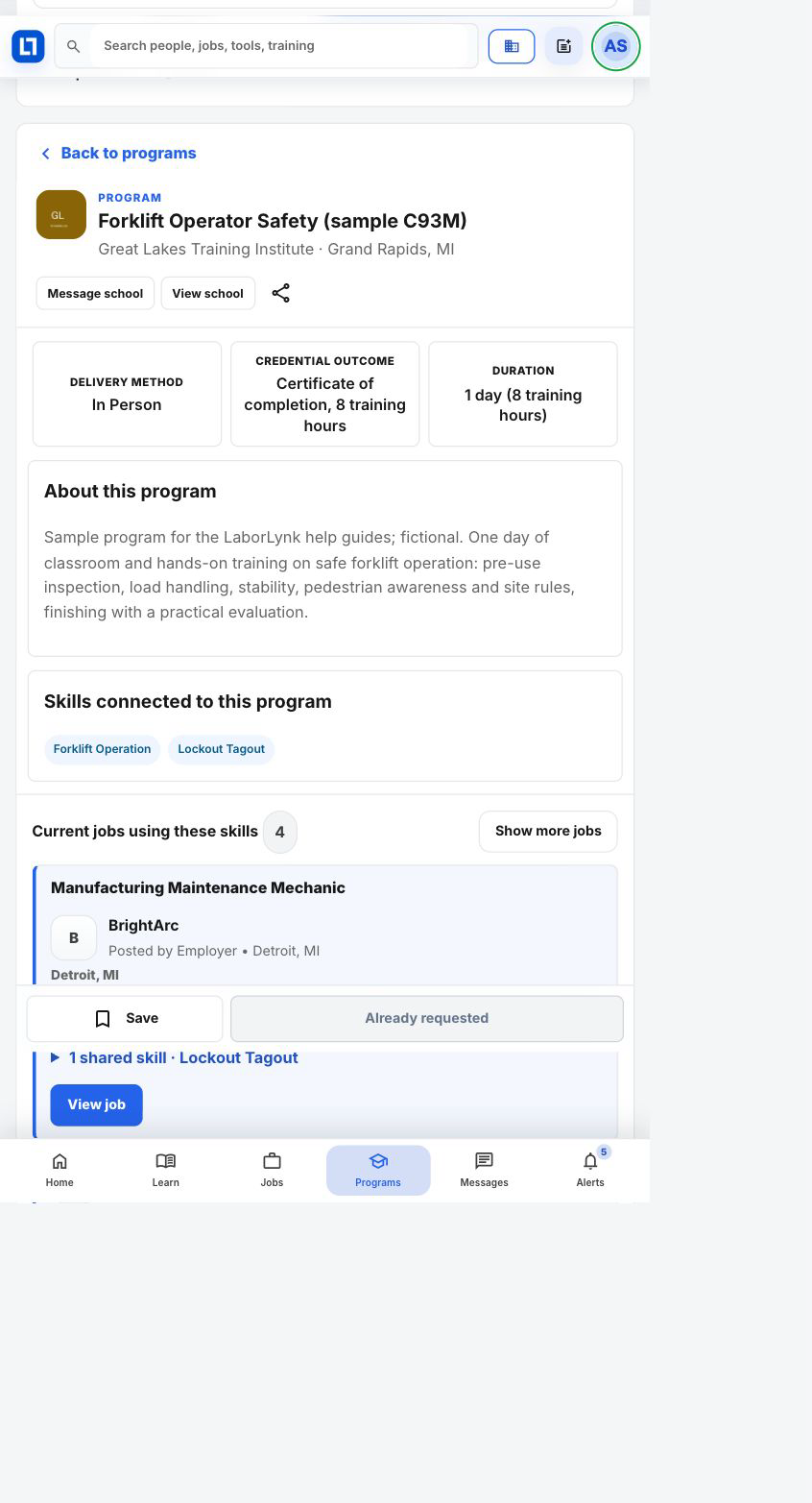
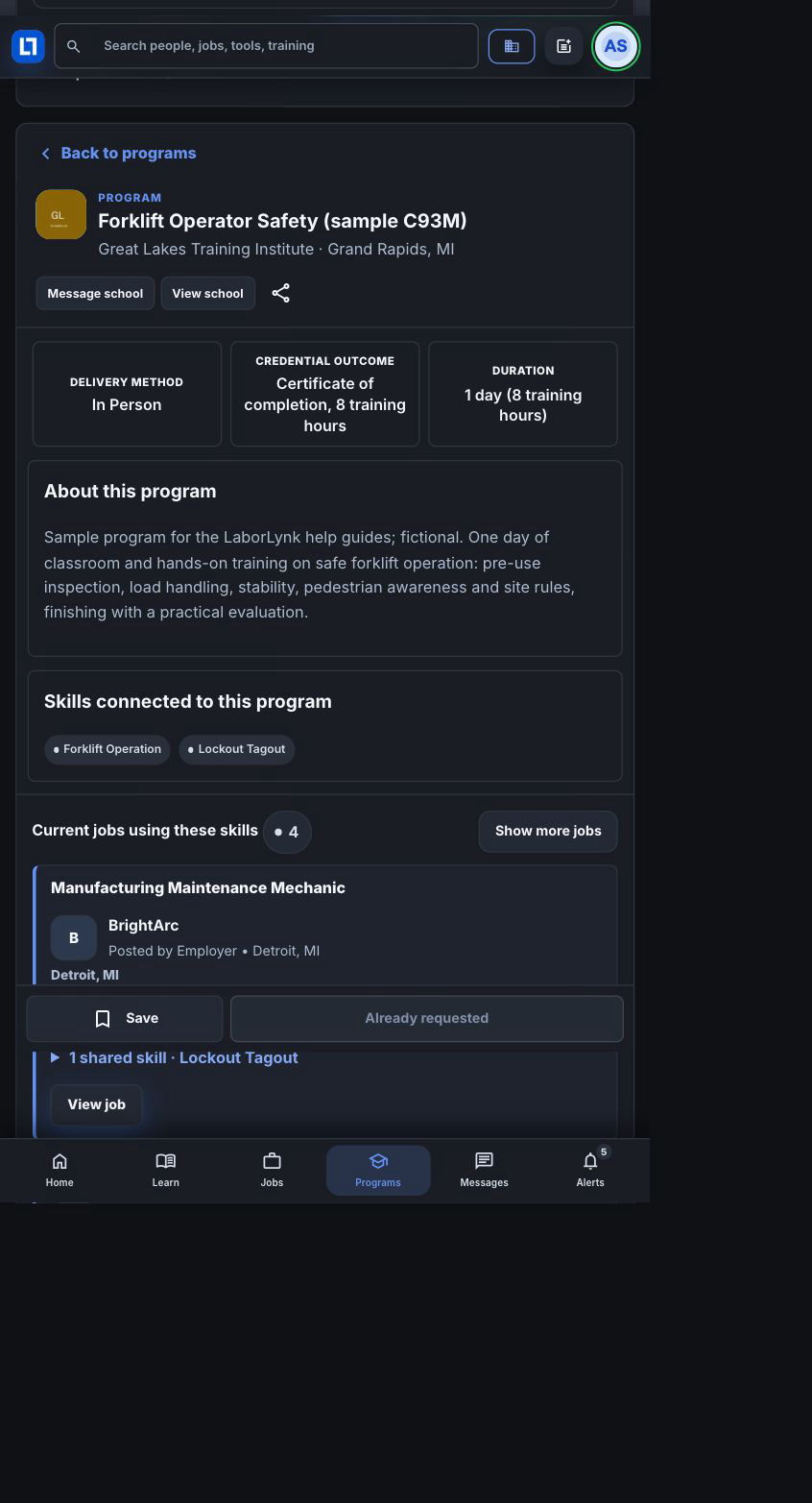
Select a program and read its details.
Review the provider, delivery method, listed duration, credential outcome and connected skills. Related jobs share skills; they do not guarantee eligibility. Requesting information does not enroll you. Saving and contacting a provider are separate actions.
When it worked
- Search and format selections narrow the results.
- Selecting a program opens its provider and published details; Back to programs returns to browsing.
If something goes wrong
- No programs match.
- Clear filters or search for a broader program, provider or skill.
- A detail is not listed.
- Ask the provider. Start dates, cost/aid and placement filters are unavailable when the catalog does not supply those fields.
- More results or a retry action appears on native.
- Load the next page or retry. A failed page keeps existing results and should not be interpreted as the entire catalog.