How to · For Employers, Workers
How the hiring pipeline works
A pipeline is one application moving through named stages. The employer owns every move; the worker watches it happen and can withdraw. Both of you are looking at the same record, so it helps to know what the other one sees.
Before you start
- To review candidates: you are on a workspace that has a job posted, and the job has at least one applicant.
- To track an application: you applied to a job from your LaborLynk profile.
- The stages are Applied, Reviewing, Interview, Offer, Hired, and the two closed ones, Not Selected and Withdrawn.
Steps
As the employer, open Manage Jobs and choose an open job.
Applicants belong to a posting, so you pick the req first and then review only the candidates tied to it. The page is headed Open Job Reqs.


Switch between List and Board to see the candidates.
Board shows one column per stage, so you can see where everyone is at a glance. List is the same people as rows.
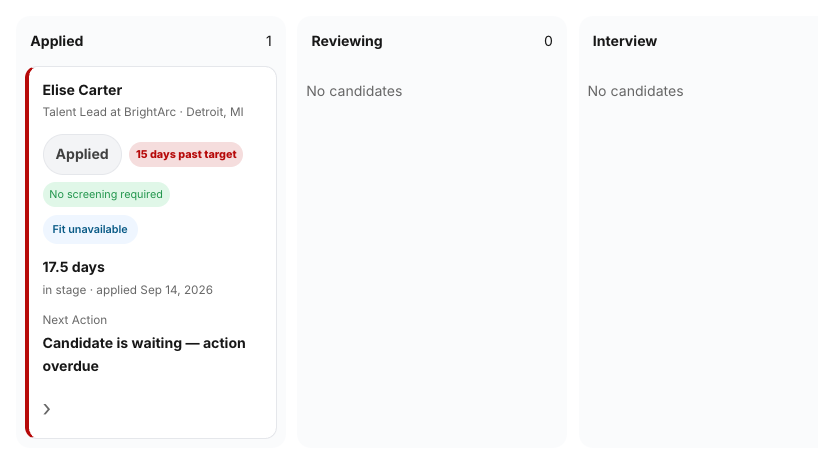
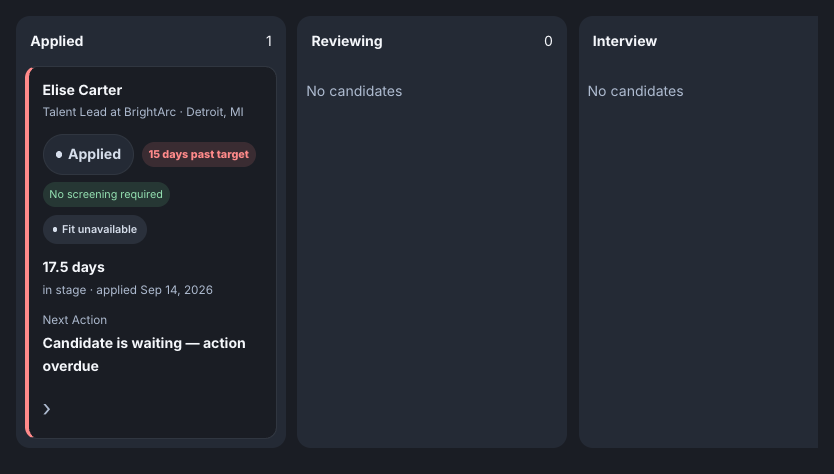
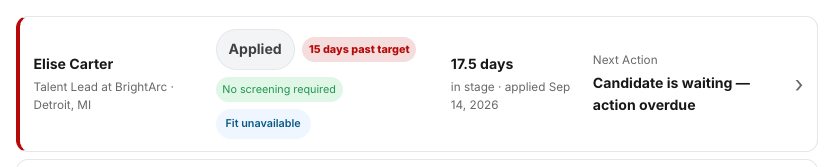
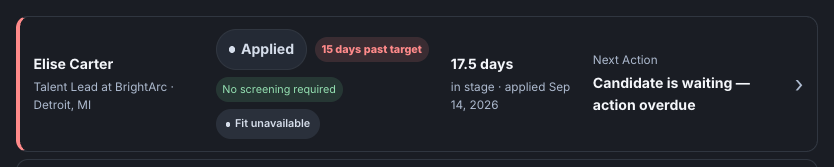
Use Needs attention or Overdue to find the people waiting on you.
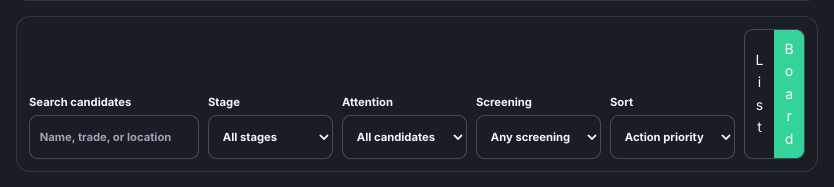
The other filters narrow by stage and by screening. Sorting by Longest in stage finds whoever has been waiting most, and Action priority is the default.
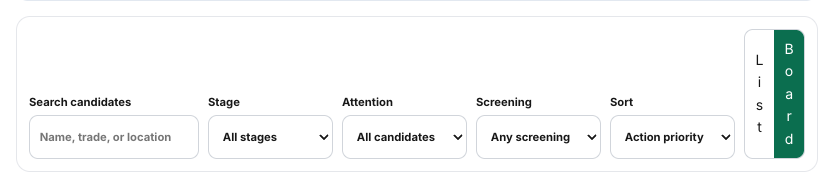
Open a candidate and move them to the next stage.
You can move forward, and back to an earlier open stage. Hired, Not Selected and Withdrawn are closed: once an application is there it cannot be moved again without a governed reopen, and nothing can be moved backward into a closed stage.
As the worker, open your profile and choose Applications.
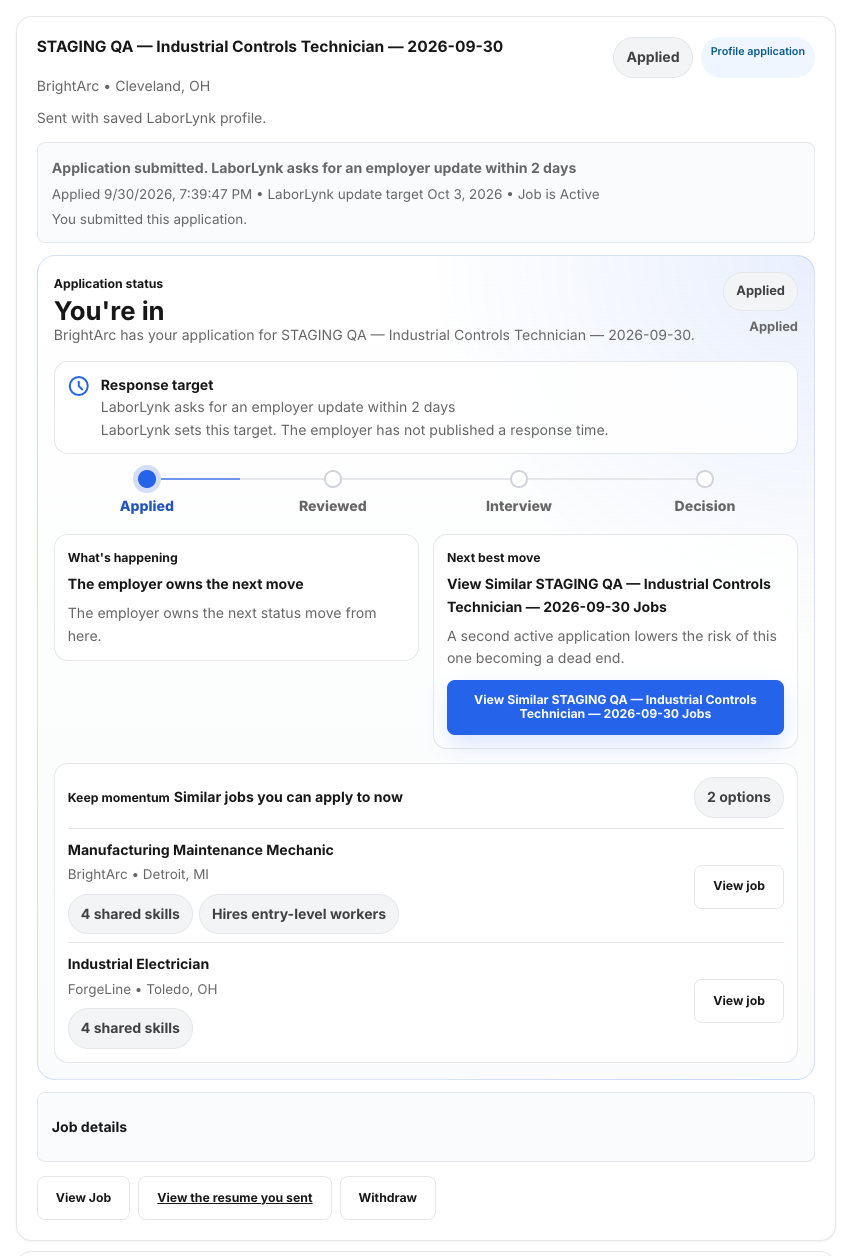
This is the application tracker: every job you applied to, its status, and what happens next.


Read the status on an application.
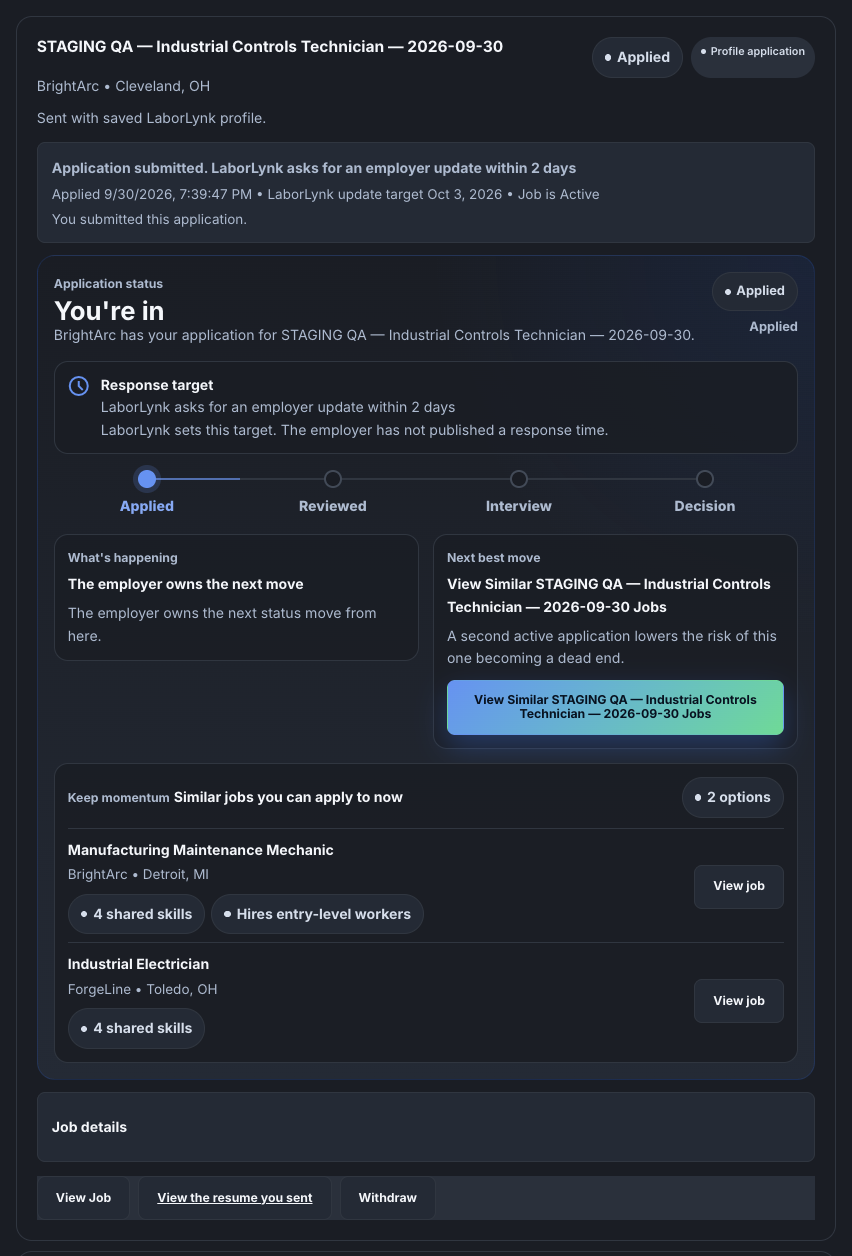
The card tells you who holds the next move and shows a track: Applied, Reviewed, Interview, Decision. Note that the filter buttons above use different words for the same early stages — they say Submitted and In Review where the card says Applied and Reviewed, and the employer's board says Applied and Reviewing. Three wordings, the same two stages.
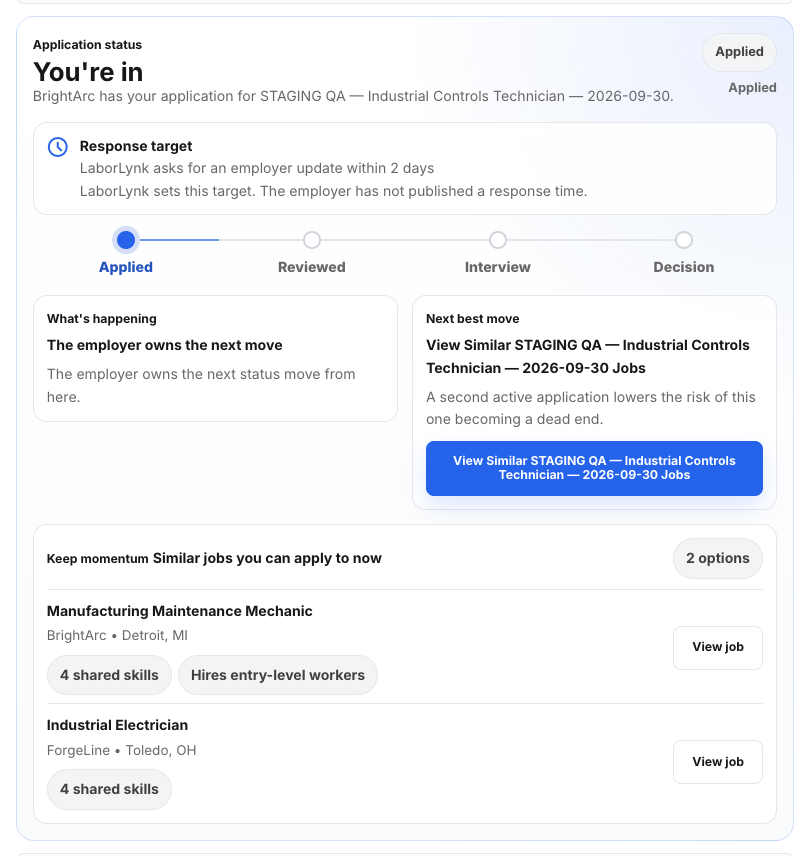
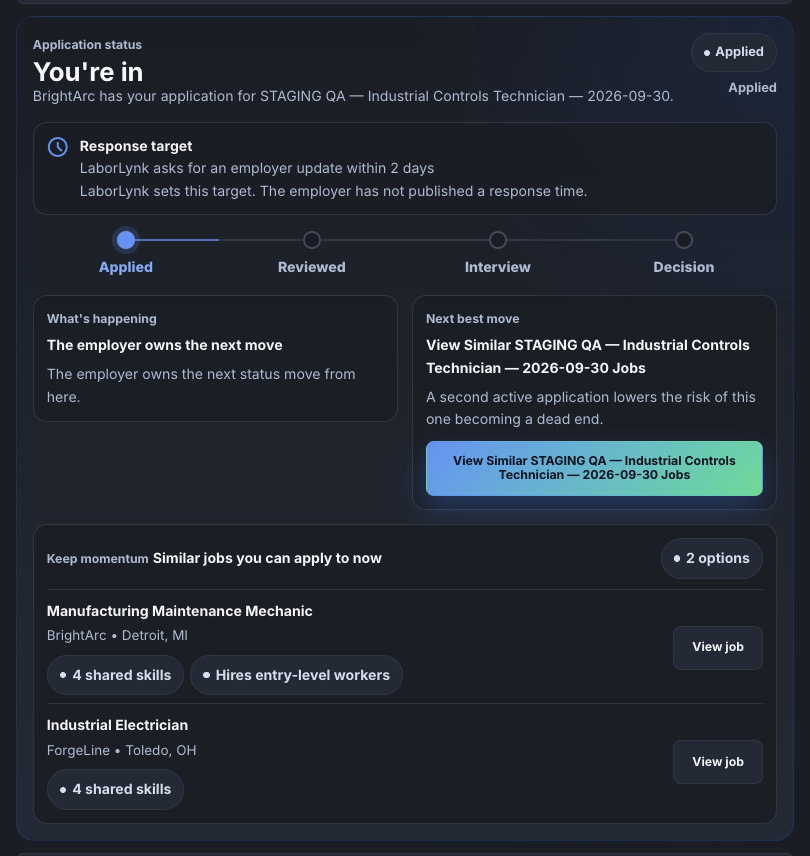
Check the Response target on an application.
LaborLynk sets a target for the employer's next update and says so plainly when the employer has not published a response time of their own. A target passing does not change your status; it marks the application as waiting.


To stop being considered, click Withdraw on that application.
Withdrawing is yours alone. It shows as Withdrawn, never as Not selected — those are different things and the product keeps them apart.
When it worked
- The employer sees the candidate in the new stage column, and the board's counts move with them.
- The worker sees the matching status on that application, on the card and on its track.
- A closed application reads Hired, Not Selected or Withdrawn and stops asking either side for a next move.
If something goes wrong
- I cannot move a candidate out of a stage.
- They are in a closed stage — Hired, Not Selected or Withdrawn. Closed stages need a governed reopen rather than an ordinary move.
- My application has not changed in a while.
- The employer owns every status move. The Response target says when LaborLynk asked them to update it; if it has passed, the application is marked as waiting rather than changed.
- I see no applicants on the page.
- Applicants hang off a posting. Choose an open req first under Manage Jobs — the page cannot show candidates until it knows which job you mean.
- A worker withdrew and it looks like a rejection.
- It is not, and it is not labelled that way. Withdrawn is the worker's own decision; Not Selected is the employer's.
- The filter says Submitted but my application says Applied.
- Same stage, different wording. The filter buttons, the application card and the employer's board each name the first two stages differently; nothing is out of step.